1
2
3
4
5
6
7
8
9
10
11
12
13
14
15
16
17
18
19
20
21
22
23
24
25
26
const axios = require('axios');


const api_key = "YOUR API-KEY";
const url = "https://api.segmind.com/v1/z-image-turbo";

const data = {
  "prompt": "Create a vibrant and modern magazine cover for Hindi Farmer, themed for April 2025.\nThe main background is a cool magenta to deep-pink gradient with airy soft shadows that mirror the vivid color of ripe dragon fruit (ड्रैगन फ्रूट).\n\nCentered is a Hindi farmer, a middle-aged man with sun-tanned skin, short textured black hair, and a confident stance. He stands beside a freshly harvested pile of bright red dragon fruit arranged on geometric crates painted in matte dark teal.\nHe wears a lightweight dark grey field jacket, a maroon undershirt, and rugged work pants.\nHis expression is sharp and determined, representing precision farming and market growth in India.\n\nUse a new font direction featuring condensed sans-serif fonts for headlines and a bold serif for key title elements.\nBalance white, dark magenta, and citrus orange text across the layout with clean editorial spacing.\n\nText Layout (all updated to Hindi)\n\n• Top left:\n“प्रीमियम ड्रैगन फ्रूट” in bright orange\nSubtext in white: “कैसे भारतीय किसान निर्यात बाज़ार में कदम बढ़ा रहे हैं”\n\n• Top right:\n“शुष्क भूमि तकनीक” in bold dark magenta\nSubtext: “लंबे मौसम में ऊर्जा-सक्षम सिंचाई के नए तरीके”\n\n• Center right:\nLarge orange “18”\nText: “अधिकतम पैदावार के लिए 18 छंटाई रणनीतियाँ”\n\n• Bottom left:\n“मूल्य युद्ध” in dark magenta\nPale pink subtext: “सालभर ड्रैगन फ्रूट बाज़ार की बदलती गतिशीलता”\n\n• Bottom left corner (with an orange plus sign):\n“तेज़ वृद्धि देने वाला जैविक उर्वरक”\n\n• Bottom right (over the crates):\nIn elegant white serif: “लाल का लाभ”\nOrange subheading: “वे किसान जो लगातार बड़ी पैदावार ले रहे हैं”\n\nArt Direction\n\nDesign should look modern, clean, and forward-focused, emphasizing:\n\ntropical & semi-tropical horticulture\n\npremium produce\n\nthe rising value of dragon fruit cultivation in India\n\nLighting should be bright studio style with soft controlled shadows.",
  "steps": 8,
  "guidance_scale": 1,
  "seed": -1,
  "height": 1024,
  "width": 1024,
  "image_format": "webp",
  "quality": 90,
  "base_64": false
};

(async function() {
    try {
        const response = await axios.post(url, data, { headers: { 'x-api-key': api_key } });
        console.log(response.data);
    } catch (error) {
        console.error('Error:', error.response.data);
    }
})();Attributes
Text prompt describing the desired image
Number of inference steps
min : 1,
max : 75
Classifier-free guidance scale
min : 0,
max : 15
Random seed for reproducibility. Use -1 for random
min : -1,
max : 92147483647
Output image height in pixels
min : 256,
max : 2048
Output image width in pixels
min : 256,
max : 2048
Output image format
Allowed values:
Output image quality (1-100)
min : 1,
max : 100
Return image as base64 encoded string
To keep track of your credit usage, you can inspect the response headers of each API call. The x-remaining-credits property will indicate the number of remaining credits in your account. Ensure you monitor this value to avoid any disruptions in your API usage.
Z-Image-Turbo: Fast Text-to-Image Model with Bilingual Support
Edited by Segmind Team on December 1, 2025.
What is Z-Image-Turbo?
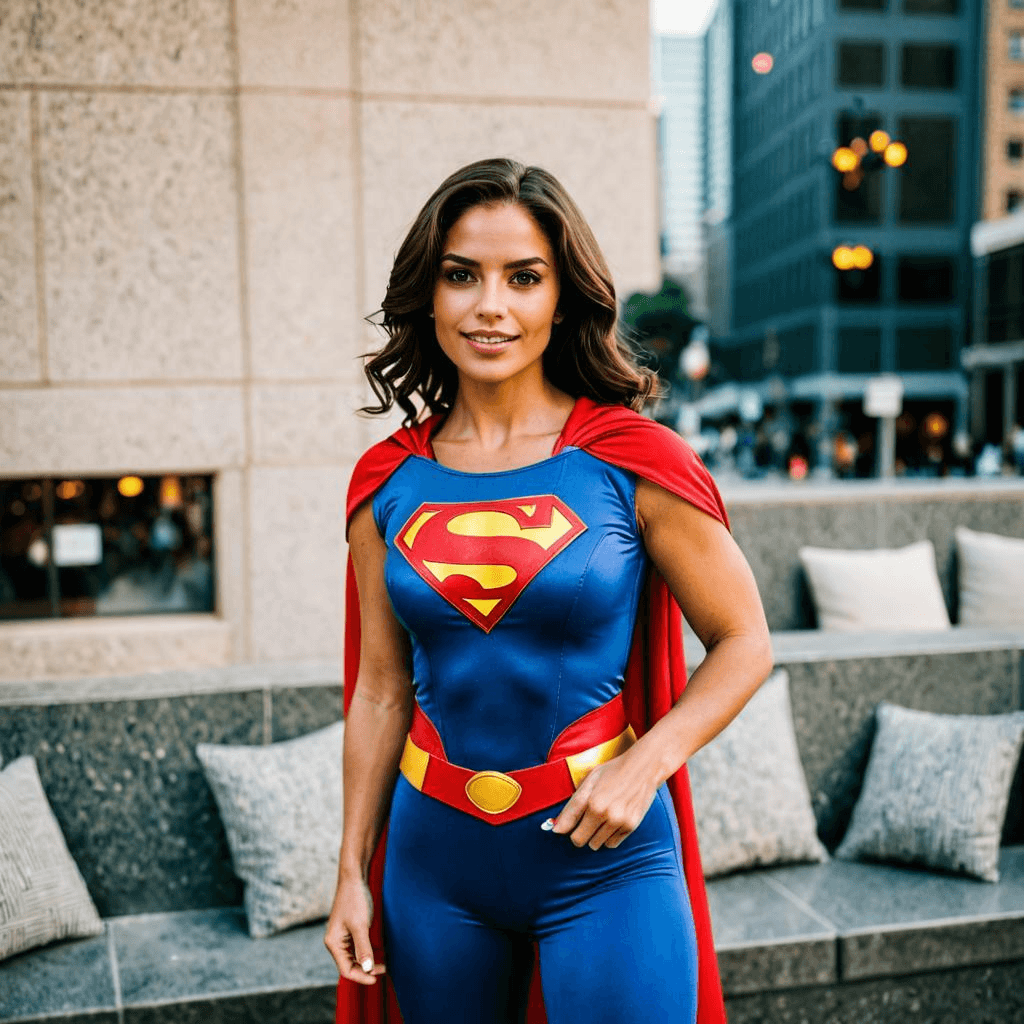
Z-Image-Turbo is a high-speed text-to-image generation model from Tongyi-MAI; it is built on a 6‑billion‑parameter single-stream diffusion transformer architecture. The model is a member of the Z-Image family, and this version delivers photorealistic results in under a second for rapid iterations. Z-Image-Turbo is designed to run efficiently on consumer-grade GPUs, so developers and small teams can achieve professional-quality AI image generation without specialized hardware, setting it apart from many contemporary image models that require complex computational infrastructure or resources. It also provides native bilingual support for English and Chinese text in generated images, making it an invaluable asset for global applications and multilingual content workflows.
Key Features of Z-Image-Turbo
- Sub-second generation speed with as few as 10 inference steps for high-quality results
- Bilingual text rendering that supports English and Chinese characters in generated images
- 6-billion parameter architecture balancing model capability with resource efficiency
- Consumer GPU compatibility that enables local deployment without enterprise infrastructure
- Advanced distillation techniques and reinforcement learning optimization for enhanced output quality
- Flexible resolution support ranging from 256×256 to 2048×2048 pixels for desired image output quality
- Multiple output formats, including JPEG, PNG, and WebP, which offer flexibility with adjustable quality settings
Best Use Cases
Z-Image-Turbo excels in rapid iteration and bilingual content generation, making it an asset for:
- Marketing teams as they can quickly prototype visual concepts for campaigns targeting a global audience, especially the English and Chinese speakers.
- Game developers benefit from fast asset generation during prototyping phases.
- E-commerce platforms can design product mockups and lifestyle imagery at scale.
- Real-time applications such as interactive design tools or chatbot-integrated image generation.
- Content creators can produce multilingual social media content utilizing its accurate text rendering, eliminating the need for post-generation text overlays.
Prompt Tips and Output Quality
- For optimal results, use descriptive prompts with clear subject, style, and composition details.
- Utilise the steps parameter: 10 steps for quick previews and 40-50 steps for production-ready images.
- Implement guidance scale to control prompt adherence: values around 5 provide creative freedom, and values of 8-10 enforce strict interpretation of the prompt.
- For images with text, specify the language and text placement clearly; for example - "A Chinese restaurant sign saying '美食天堂' in glowing neon".
- For consistent results across iterations, set a fixed seed value; use -1 for random variation.
- Adjust the height and width in 64-pixel increments: 512×512 for web use, while 1024×1024 or higher suits print materials.
FAQs
Is Z-Image-Turbo open-source?
Z-Image-Turbo is part of the Z-Image family, which includes Z-Image-Base, designed specifically for community fine-tuning, offering robust support for open development and customization.
How does it differ from other text-to-image models?
Z-Image-Turbo offers exceptional speed (sub-second generation), native bilingual text support (English and Chinese), and optimization for consumer GPUs. Therefore, Z-Image-Turbo distinguishes itself from most competing models that require more inference steps or enterprise-grade hardware for comparable quality.
What parameters should I tweak for the best results?
Start with 10-20 steps and a guidance scale of 5; increase steps to 40-50 for final outputs. You can adjust the guidance scale higher (7-10) if the model isn't following your prompt closely, or lower the scale (3-5) for more creative interpretation.
Can I generate images with Chinese text?
Yes, Z-Image-Turbo supports bilingual text rendering; you may specify Chinese characters directly in the prompt to accurately generate text elements in images.
What resolution should I use for different applications?
Use '512×512' for social media and web previews; '1024×1024' for detailed digital content; and '2048×2048' for print-quality materials. Furthermore, higher resolutions require more inference steps for the best quality.
What image format should I choose?
Choose 'JPEG' for broad compatibility and smaller file sizes; go with 'PNG' for images that need transparency or lossless quality; and 'WebP' will render the best compression-to-quality ratio in modern web applications.
Popular Models