1
2
3
4
5
6
7
8
9
10
11
12
13
14
15
16
17
18
19
20
21
22
23
24
const axios = require('axios');


const api_key = "YOUR API-KEY";
const url = "https://api.segmind.com/v1/seedream-4";

const data = {
  "size": "2K",
  "width": 2048,
  "height": 2048,
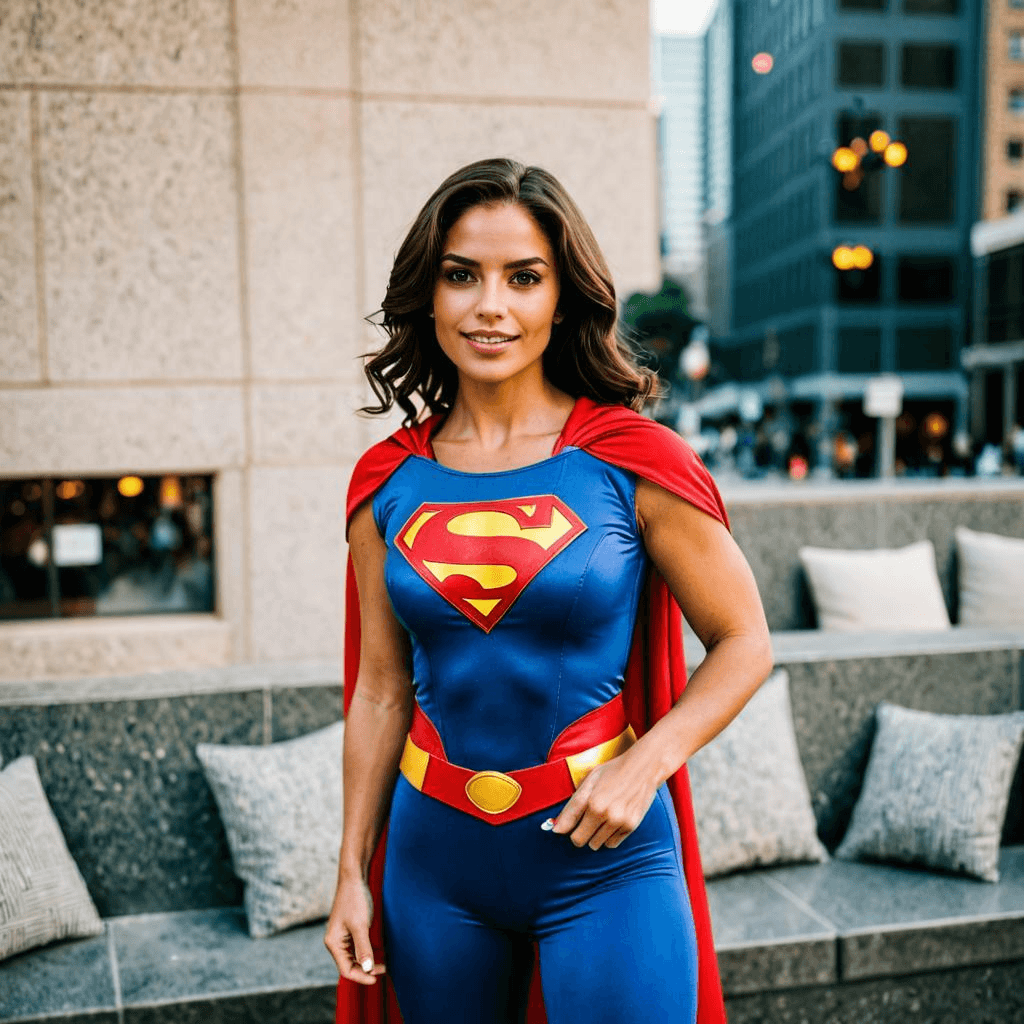
  "prompt": "Action hero into an apocalypse survivor zombie hunter, torn leather jacket with spikes, glowing red cybernetic eye, dual chainsaw weapons, burning city ruins background, blood splatter effects, horror movie aesthetic, badass energy, ultra-detailed gore",
  "max_images": 1,
  "image_input": "https://segmind-resources.s3.amazonaws.com/input/ee043397-b857-4bf2-9ad0-70258a286e96-504cf296-f8c3-40af-b200-9b52bdae240c.png",
  "sequential_image_generation": "disabled"
};

(async function() {
    try {
        const response = await axios.post(url, data, { headers: { 'x-api-key': api_key } });
        console.log(response.data);
    } catch (error) {
        console.error('Error:', error.response.data);
    }
})();Attributes
Image resolution preset. '1K/2K/4K' sets one dimension (1024/2048/4096), other dimension calculated from aspect_ratio. Use 'custom' to specify exact width/height. Note: Combining with aspect_ratio may not maximize quality for all ratios.
Allowed values:
Custom width in pixels (only used when size='custom'). Range: 1024-4096. Both width and height must be set for custom sizing. Dimensions will be validated and rounded to nearest 64 pixels.
min : 1024,
max : 4096
Custom height in pixels (only used when size='custom'). Range: 1024-4096. Both width and height must be set for custom sizing. Dimensions will be validated and rounded to nearest 64 pixels.
min : 1024,
max : 4096
Text describing the image to generate. Include subjects like 'sunset mountain view'.
Sets image generation limit. Choose 1 for single outcome, 5 for multiple.
min : 1,
max : 15
List of image URLs to guide generation. Use for reference; add 1-3 URLs.
Image proportions. When combined with size preset, one dimension is fixed (1K=1024, 2K=2048, 4K=4096). For best quality with non-square ratios, consider using 'custom' size with manual dimensions. Options: '1:1' square, '16:9' widescreen, '9:16' portrait, etc.
Allowed values:
Controls image creation order. Enable 'auto' for batch generation, 'disabled' otherwise.
Allowed values:
To keep track of your credit usage, you can inspect the response headers of each API call. The x-remaining-credits property will indicate the number of remaining credits in your account. Ensure you monitor this value to avoid any disruptions in your API usage.
Seedream 4.0: Image Generation Model
Edited by Segmind Team on September 12, 2025.
What is Seedream 4.0?
Seedream 4.0 is a high-performance AI image generation model that effectively creates visuals at par with professional-level creative fidelity and renders the text with equal veracity. It is integrated into an improved text-to-image model to generate visuals that are realistic. With its 4K resolution, the model excels at creating complex visuals such as posters, marketing graphics, infographics, and elaborate digital art while maintaining clarity, sharpness, and integrity in design. Seedream 4.0 offers professional-grade AI visuals, making it a highly dependable option for designers and teams in other creative fields who desire the necessary control over the workflow.
Key Features Seedream 4.0
- Ultra-high resolution output support (up to 4096×4096 pixels) - It produces sharp, detailed visuals for large prints, marketing assets, and digital displays
- Superior text rendering and layout composition - To deliver clear typography and balanced compositions for posters, infographics, and mixed media designs.
- Natural language editing for precise image modifications - It effortlessly handles image modification with simple text prompts, adjusting details, styles, or layouts.
- Multi-image reference system (up to 3 reference images) - Capable of blending or modifying images to maintain brand consistency and cohesive designs.
- Flexible aspect ratio options from square (1:1) to ultrawide (21:9) - It supports multiple formats, from square to cinematic ultrawide for social, print, or widescreen use.
- Batch generation capability with up to 15 images per prompt - Saves time as it can quickly produce multiple visual variations in one go.
- Diverse style support - It can generate outputs across styles like photorealism, anime, painterly, and more.
Best Use Cases
- It is useful in creating marketing and advertising materials for which clear text and layouts are of the utmost importance
- It works exceptionally well in designing professional posters and infographics
- It produces high-detail product visualization
- It supports creative artwork with specific style requirements
- It is capable of brand asset creation and modification
- It can render editorial and commercial photography alternatives
- It simplifies custom thumbnail and banner generation for digital platforms
Prompt Tips and Output Quality
- Provide clear prompts and be specific about desired layout elements and text placement
- Prompt should include style references (e.g., "photorealistic," "anime style," "oil painting")
- Incorporate reference images to maintain consistent branding or style
- Clearly mention the desired aspect ratios based on intended use (16:9 for presentations, 9:16 for mobile)
- For best results, start with 2K resolution and adjust based on needs
- Use sequential generation for creating themed image sets
- Refer to the official prompt guide here for more information.
FAQs
How is Seedream 4.0 different from other text-to-image models?
Seedream 4.0 excels in generating high-resolution images with impressive accuracy in text rendering and layout design, making it ideal for professional design projects and marketing materials.
What's the maximum resolution supported?
Seedream 4.0 supports custom resolutions up to 4096×4096 pixels (4K), with flexible aspect ratio options to render various use cases.
Can I use reference images to guide the generation?
Yes, you can upload up to three reference images to moderate the visuals’ style, composition, and specific elements.
How many images can I generate in one prompt?
You can generate up to 15 images per prompt using the max_images parameter option. It also has the support to execute sequential or batch generation.
What file formats and sizes work best for reference images?
Standard image formats (PNG, JPEG) work well as reference images. For best results, use high-quality images that depict your desired style or composition elements.
Popular Models