Click or Drag-n-Drop
PNG, JPG or GIF, Up-to 2048 x 2048 px
Click or Drag-n-Drop
PNG, JPG or GIF, Up-to 2048 x 2048 px
Click or Drag-n-Drop
PNG, JPG or GIF, Up-to 2048 x 2048 px
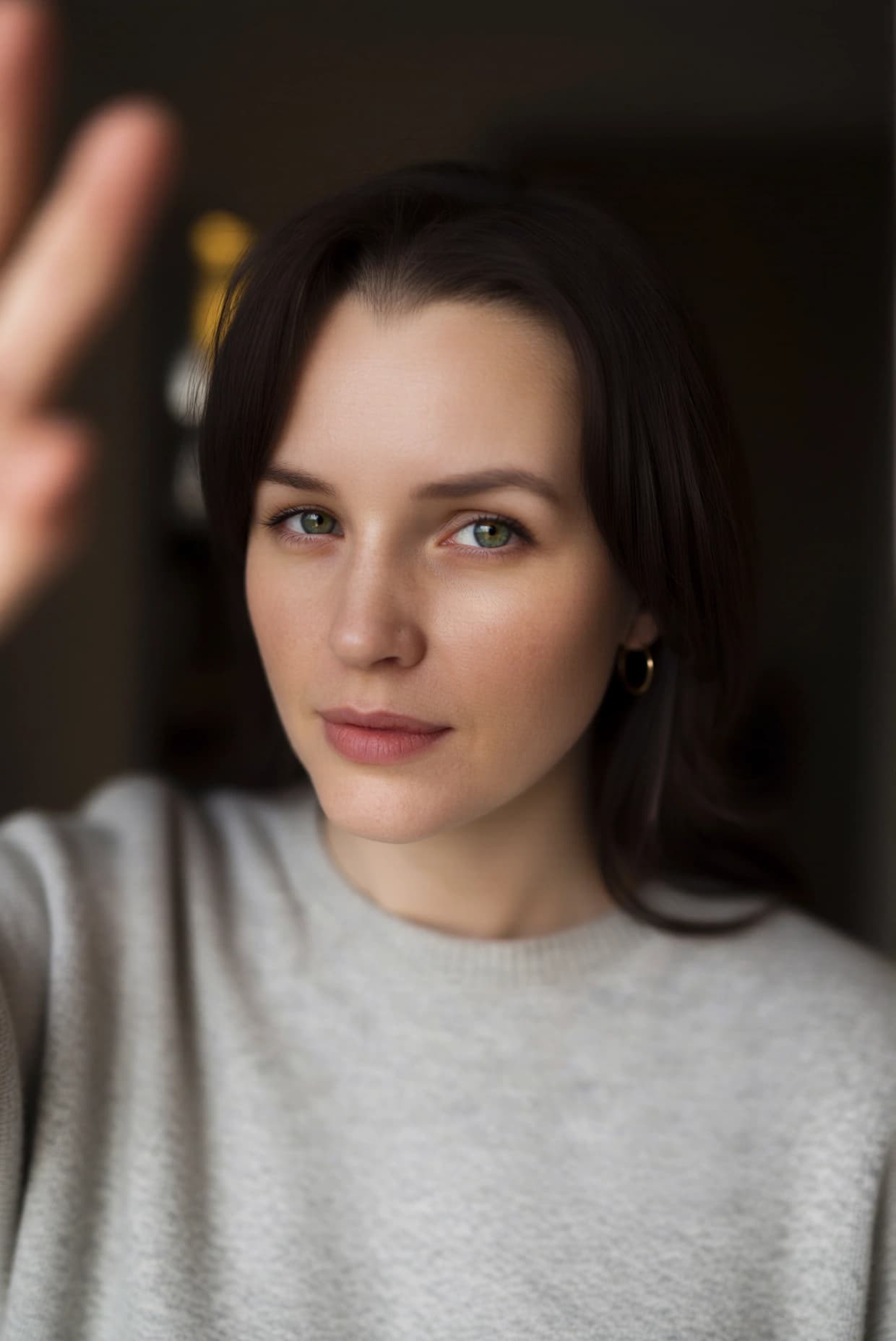
Qwen Image Edit 2509 Light Restoration: Image-to-Image Lighting Enhancement Model
What is Qwen Image Edit 2509 Light Restoration?
Qwen Image Edit 2509 Light Restoration is a specialized image-to-image editing model designed to remove unwanted lighting effects and restore natural, balanced illumination in photographs. Built as a LoRA (Low-Rank Adaptation) adapter on top of the Qwen Image Edit 2509 base model, this AI tool excels at softening harsh shadows, eliminating overexposed highlights, and correcting uneven lighting without requiring complex paired training datasets. Unlike traditional photo editing software that relies on manual adjustments, this model uses deep learning to understand and reconstruct realistic lighting conditions automatically, making professional-grade lighting restoration accessible through simple text prompts.
Key Features
- Advanced Lighting Removal: Automatically detects and removes harsh artificial lighting, shadows, and overexposure
- Natural Light Reconstruction: Restores balanced, realistic lighting that preserves original image detail and texture
- Flexible Image Input: Supports up to three simultaneous image inputs for comparison, blending, or multi-source editing
- LoRA Architecture: Efficient model design enables fast processing while maintaining high-quality output
- Customizable Aspect Ratios: Supports 11 aspect ratio presets from square (1:1) to ultra-wide (21:9), plus input matching
- Multiple Output Formats: Exports in JPEG, PNG, or WebP with adjustable quality settings (1-100)
- Reproducible Results: Seed control allows consistent outputs for batch processing and experimentation
Best Use Cases
Photography and Content Creation: Professional photographers can rescue poorly lit shots, remove camera flash artifacts, or normalize lighting across photo series for consistent portfolios and social media feeds.
E-commerce and Product Photography: Online retailers can standardize product images by removing inconsistent studio lighting, creating uniform catalog presentations that improve customer experience and conversion rates.
Real Estate and Architecture: Property photographers can enhance interior shots by eliminating harsh window glare, balancing mixed lighting conditions, and creating more appealing listing photos.
Portrait Retouching: Wedding photographers, headshot studios, and portrait artists can soften unflattering lighting conditions while maintaining skin texture and natural facial features.
Digital Asset Restoration: Archivists and digital preservation teams can restore historical photographs damaged by light exposure or poor original lighting conditions.
Prompt Tips and Output Quality
Effective Prompt Strategies: Use descriptive, specific language like "Remove harsh overhead fluorescent lighting and restore natural daylight" rather than vague phrases like "fix lighting." The model responds well to technical photography terms such as "soften shadows," "eliminate backlight," or "balance exposure."
Image Quality Considerations: Start with high-resolution source images (minimum 1024px) for best results. The model preserves fine details better when working with clear, focused inputs rather than heavily compressed or low-quality images.
Aspect Ratio Selection: Use "match_input_image" to maintain original proportions, or select specific ratios when preparing images for particular platforms (16:9 for YouTube thumbnails, 4:5 for Instagram posts).
Seed and Reproducibility: Set a fixed seed value (any number between 0-2147483647) when you need consistent results across multiple similar images, or use -1 for varied creative interpretations of the same lighting fix.
Quality Parameter Tuning: For web use, quality settings between 80-90 provide excellent results with manageable file sizes. Use 95-100 for print-ready outputs or when maximum detail preservation is critical.
FAQs
Is Qwen Image Edit 2509 Light Restoration open-source?
The model is built on the Qwen Image Edit 2509 base model and uses the Diffusers library. Check the official Qwen repository for specific licensing terms regarding commercial use and modifications.
How does this differ from Photoshop or Lightroom lighting adjustments?
Unlike manual slider-based adjustments, this AI model understands contextual lighting patterns and reconstructs natural illumination automatically. It doesn't just brighten or darken—it intelligently removes artificial lighting effects while preserving image detail.
Can I use multiple LoRA models simultaneously?
Yes, the model supports up to three LoRA adapters through lora_2_url and lora_3_url parameters. The primary "remove_lighting" LoRA can be combined with additional Hugging Face LoRA models for experimental multi-effect processing.
What's the difference between the three image input slots?
Image_1 is your primary editing target. Image_2 and image_3 are optional inputs for comparison-based edits, style transfer, or blending operations. For basic lighting restoration, only image_1 is required.
Does aspect ratio affect lighting restoration quality?
Aspect ratio changes don't impact the lighting correction algorithm itself, but cropping or stretching can affect composition. Use "match_input_image" to preserve original framing while applying lighting fixes.
Why would I need to adjust the seed parameter?
AI image editing involves probabilistic processes. Different seed values produce variations in how the model interprets and corrects lighting. Use consistent seeds for batch processing similar images, or experiment with different seeds to find the most natural-looking result.
Popular Models