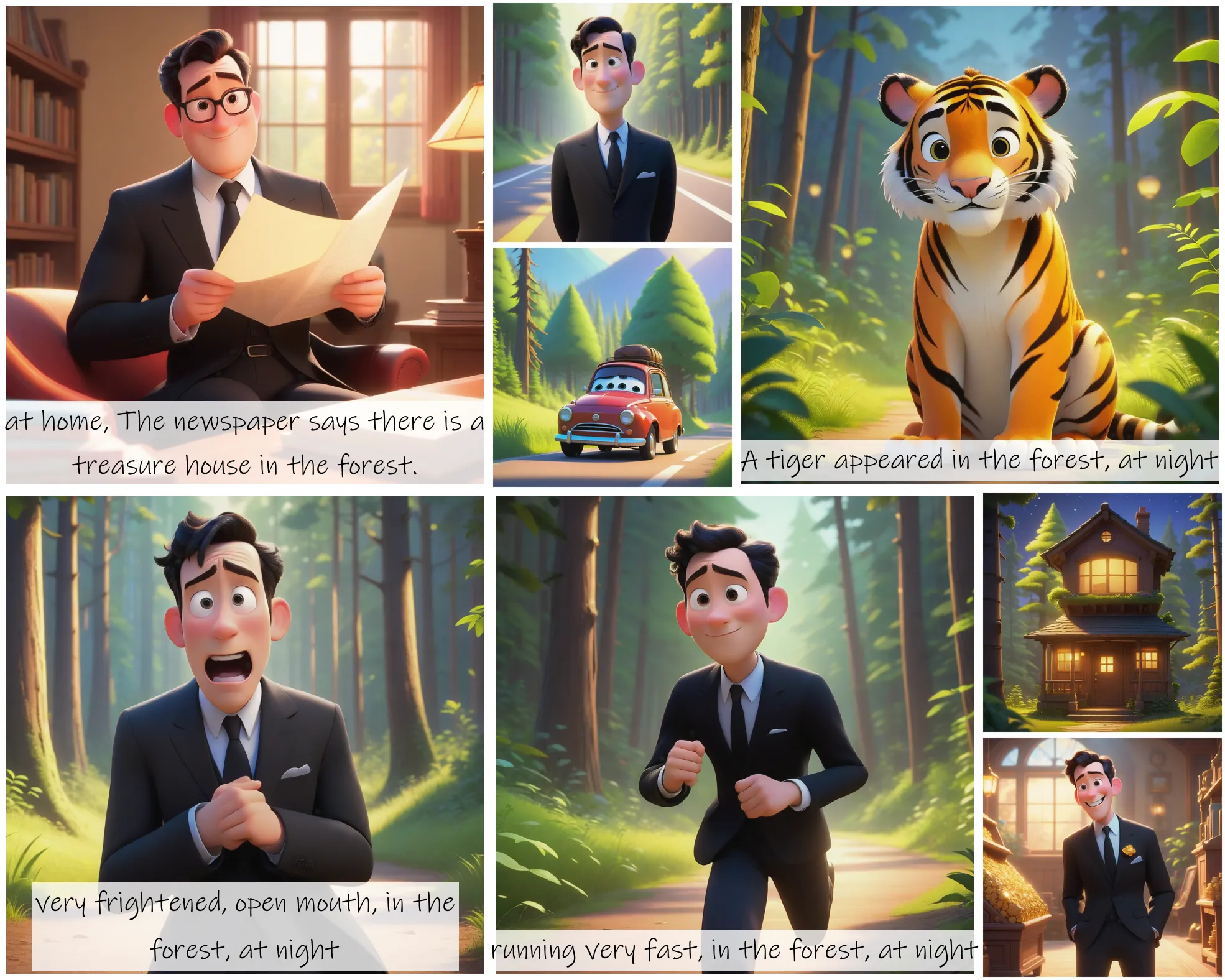
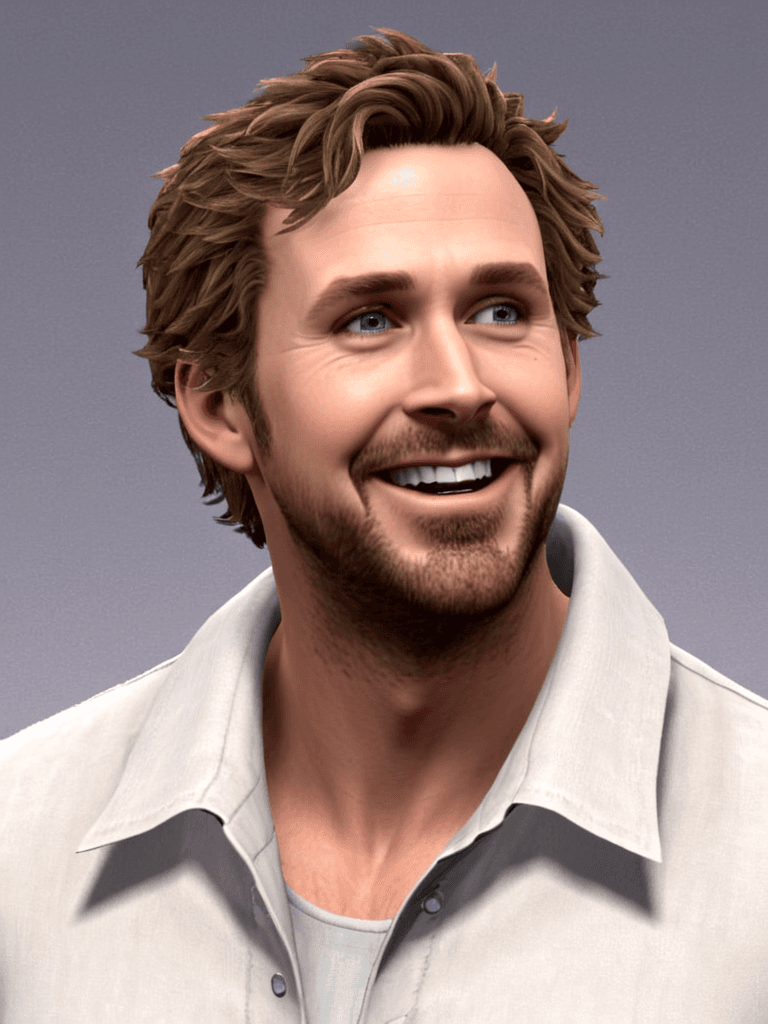
Click or Drag-n-Drop
PNG, JPG or GIF, Up-to 2048 x 2048 px
Click or Drag-n-Drop
PNG, JPG or GIF, Up-to 2048 x 2048 px
Click or Drag-n-Drop
PNG, JPG or GIF, Up-to 2048 x 2048 px
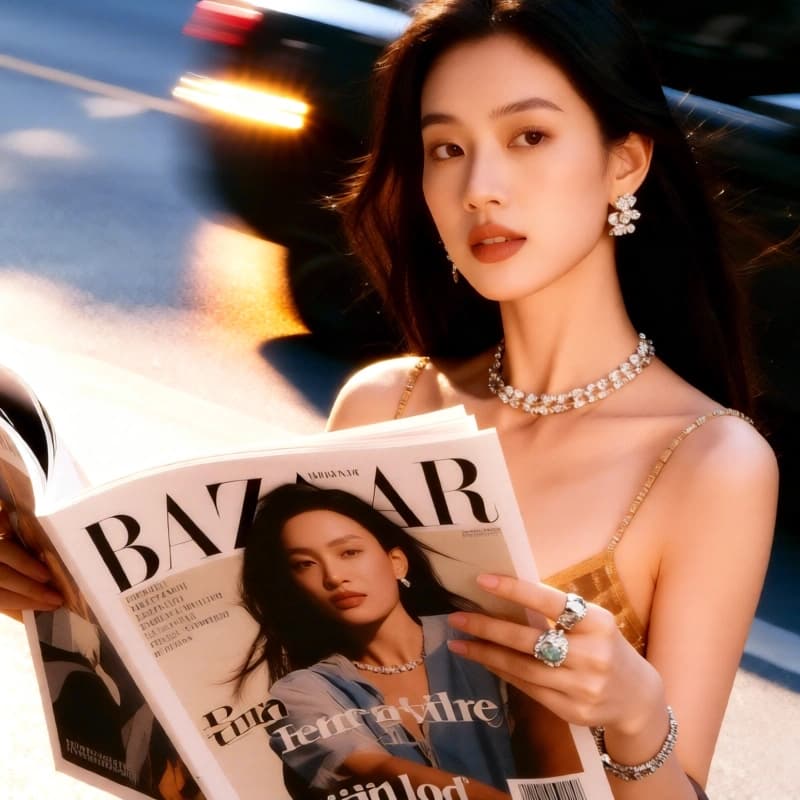
Qwen Image Edit 2509 Relight: Advanced Image Relighting Model
What is Qwen Image Edit 2509 Relight?
Qwen Image Edit 2509 Relight is a specialized AI model designed for advanced image relighting and lighting manipulation. Built as a LoRA adapter for the base Qwen Image Edit 2509 model, it excels at transforming the lighting conditions in existing images—whether you need to simulate golden hour warmth, dramatic studio lighting, or moody atmospheric effects. Unlike traditional photo editors that require manual masking and adjustment layers, this model uses natural language prompts to intelligently relight images while preserving texture, composition, and subject integrity. It integrates seamlessly with popular frameworks like Diffusers and ComfyUI, making it accessible for both technical developers and creative professionals.
Key Features
- Prompt-driven relighting: Modify lighting conditions using descriptive text prompts instead of complex technical controls
- Multiple image input support: Process up to three reference images simultaneously for blending and compositing workflows
- Custom LoRA stacking: Layer additional LoRA models via URL for specialized lighting effects and style combinations
- Flexible aspect ratios: Maintain original dimensions or select from 11 preset ratios including 16:9, 1:1, and 21:9
- Reproducible results: Control randomness with seed values for consistent image generation across iterations
- Format optimization: Export in JPEG, PNG, or WEBP with adjustable quality settings for different use cases
Best Use Cases
Product Photography Enhancement: E-commerce teams can relight product shots to match brand aesthetics without expensive reshoots—adjusting studio lighting virtually for consistent catalog imagery.
Digital Art & Illustration: Concept artists and illustrators use the model to explore different lighting scenarios quickly, testing mood and atmosphere variations before committing to final renders.
Architectural Visualization: Transform rendering lighting from day to night, or simulate seasonal lighting changes for real estate presentations and client pitches.
Film & Video Pre-visualization: VFX artists leverage image relighting for scene planning, testing how different lighting setups affect composition before production.
Photo Restoration: Enhance vintage photographs by modernizing flat lighting while preserving authentic detail and character.
Prompt Tips and Output Quality
Effective prompts balance lighting description with scene context. Instead of "bright light," specify "soft morning sunlight streaming through window, warm color temperature, gentle shadows." Include directional cues like "rim light from left" or "overhead studio lighting with fill."
For dramatic results, reference cinematography styles: "Rembrandt lighting," "film noir high contrast," or "golden hour backlighting." The model responds well to atmospheric descriptors—"hazy," "crisp," "diffused"—which guide both intensity and quality.
Parameter optimization: Use higher seed values (not -1) when iterating to maintain consistency across test renders. Match input aspect ratio initially to avoid composition distortion. For production work, set quality above 90 and choose PNG for lossless archival. Multiple image inputs work best when references share similar resolution and composition structure.
FAQs
Is Qwen Image Edit 2509 Relight open-source?
Yes, the model is built on the open-source Qwen Image Edit 2509 base and available through Segmind's platform with standard API access for integration into custom applications.
How does it differ from basic photo editing tools?
Unlike manual adjustment sliders, this model understands spatial lighting relationships and preserves realistic shadows, reflections, and ambient occlusion automatically based on scene geometry interpretation.
What parameters should I tweak for best relighting results?
Start with clear, descriptive prompts. Use consistent seed values during experimentation. For production, enable "match input image" aspect ratio and set quality to 95+. Layer custom LoRAs only after testing base results.
Can I use multiple LoRA models simultaneously?
Yes—the model supports up to three LoRAs including the default "relight" option. Add custom LoRAs via URL parameters for specialized effects like specific artistic styles or technical lighting scenarios.
Does the model work with all image types?
Best results come from clear, well-exposed source images with identifiable subjects and spatial information. Heavily compressed, low-resolution, or abstract images may produce inconsistent lighting interpretations.
What's the difference between image_1, image_2, and image_3 inputs?
Image_1 is your primary source. Image_2 and image_3 are optional reference inputs for blending multiple lighting scenarios or compositing elements—useful for complex creative workflows requiring multiple source materials.