Click or Drag-n-Drop
PNG, JPG or GIF, Up-to 2048 x 2048 px
Click or Drag-n-Drop
PNG, JPG or GIF, Up-to 2048 x 2048 px
Click or Drag-n-Drop
PNG, JPG or GIF, Up-to 2048 x 2048 px
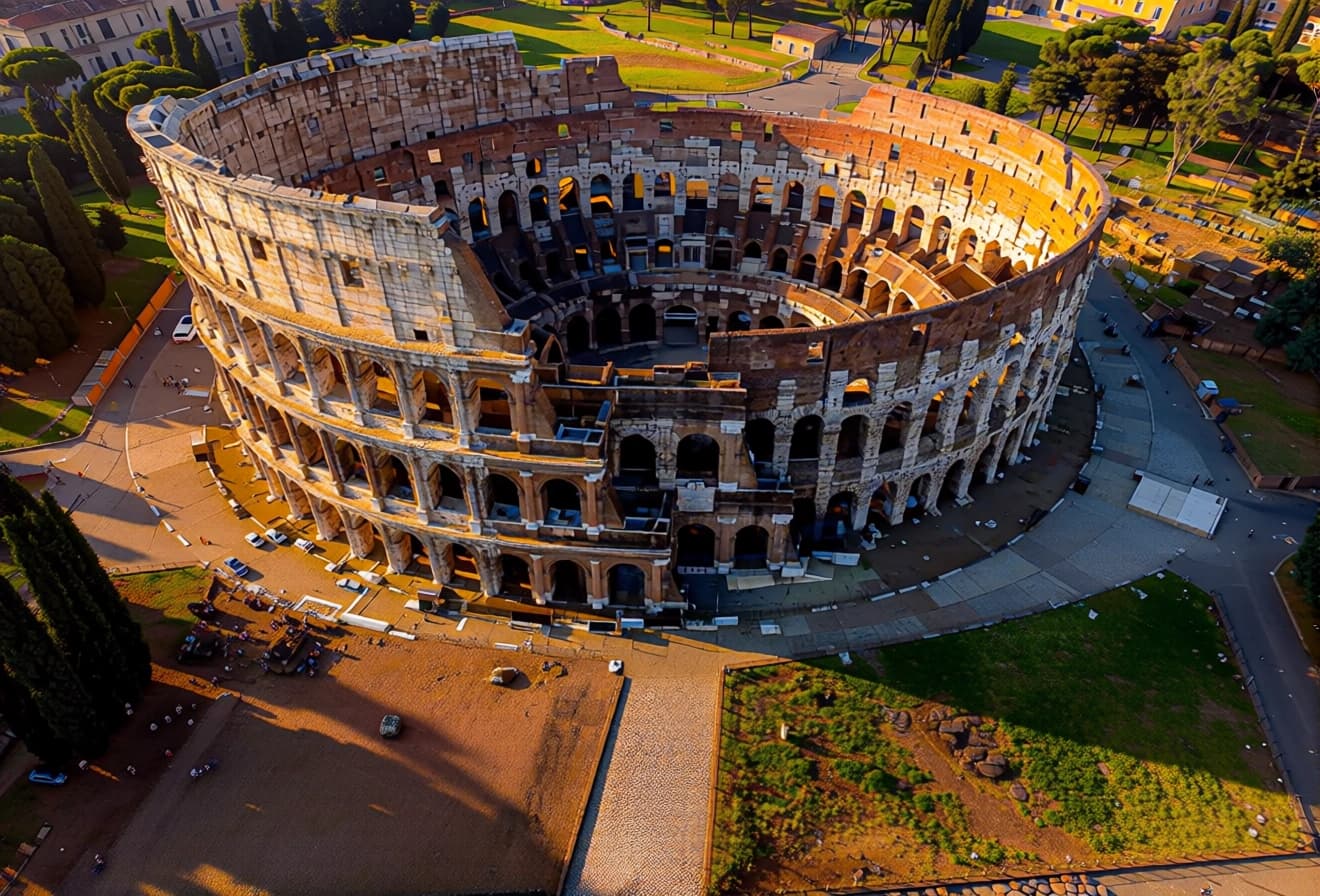
Qwen Image Edit Plus Multi lora : Multi-Image AI Editing Model
What is Qwen Image Edit Plus?
Qwen Image Edit Plus is an advanced AI image editing model that enables seamless blending and transformation of up to three images simultaneously. Built with native ControlNet integration, it delivers precise control over depth, edges, and keypoints while maintaining exceptional detail preservation. Whether you're retouching portraits, creating product composites, or modifying brand assets, this model ensures facial features, product textures, and typography remain crisp throughout complex edits. With flexible aspect ratios and adjustable quality settings, Qwen Image Edit Plus adapts to diverse creative workflows—from rapid prototyping to production-ready outputs.
Key Features
- Multi-Image Blending: Process up to three images simultaneously for complex compositions and transformations
- Detail Preservation: Maintains facial features, product textures, and text styles with exceptional fidelity
- Native ControlNet Support: Precise control over image depth, edges, and structural keypoints
- LoRA Model Library: 14 specialized pre-configured models including face-to-portrait, product photography, relighting, and background removal
- Flexible Output Options: Multiple aspect ratios (1:1 to 21:9) with match-input-image mode for consistency
- Reproducible Results: Seed control for consistent outputs across iterative edits
- Format Optimization: JPEG, PNG, and WebP support with adjustable quality (1-100)
Best Use Cases
E-commerce & Product Marketing: Create professional product shots with custom backgrounds, lighting adjustments, and multi-angle compositions without reshoots.
Portrait & Fashion Photography: Retouch portraits while preserving natural skin texture, blend multiple poses, or transform casual photos into professional headshots.
Brand Asset Creation: Modify logos, packaging designs, and marketing materials while maintaining text clarity and brand consistency across variations.
Social Media Content: Generate eye-catching multi-subject compositions, remove distracting elements, and apply consistent styling across image sets.
Prompt Tips and Output Quality
Crafting Effective Prompts: Be specific about desired effects—instead of "improve image," write "brighten midtones, add warm sunset glow, enhance foreground sharpness." Reference specific LoRA models when applicable (e.g., "using product_photography style, add studio lighting with soft shadows").
LoRA Model Selection: Choose specialized models for targeted results—face_to_portrait for headshot transformations, texture_extract and texture_apply for material transfers, relight for lighting adjustments, and eraser for clean object removal.
Parameter Optimization: Keep aspect ratio at match_input_image for consistent dimensions. Use quality settings 80-95 for web use, 95-100 for print-ready outputs. Set specific seed values when iterating on successful edits to maintain consistency while tweaking prompts.
Multi-Image Strategy: When blending three images, designate Image 1 as your primary composition base, Image 2 for overlay elements, and Image 3 for texture or background references.
FAQs
What makes Qwen Image Edit Plus different from basic image editors?
Unlike traditional editors requiring manual masking and layering, Qwen Image Edit Plus uses AI to intelligently blend multiple images while preserving critical details. Its ControlNet integration provides structural guidance that maintains proportions and perspectives during complex transformations.
Can I use my own LoRA models?
Yes. While 14 pre-configured LoRA models cover common use cases, you can provide custom LoRA model URLs via the lora_2_url and lora_3_url parameters using direct links or Hugging Face paths.
How do I ensure consistent results across multiple edits?
Set a specific seed value (0-2147483647) instead of the default random setting (-1). This locks the AI's randomness, allowing you to modify prompts or parameters while maintaining consistent base transformations.
What's the best balance between quality and file size?
For web applications, use WebP format with quality 75-85. For archival or print purposes, choose PNG at quality 95-100. JPEG works well for photographic content at quality 85-90 when file size matters.
Does the model work with transparent backgrounds?
Yes, when using PNG format with the eraser LoRA model or when blending images that include transparency data. Ensure your input images maintain alpha channels if transparency preservation is critical.
Which aspect ratio should I choose for social media?
Use 1:1 for Instagram posts, 9:16 for Stories/Reels, 16:9 for YouTube thumbnails, and 4:5 for Instagram feed optimization. The match_input_image option preserves original dimensions when aspect ratio consistency matters more than platform specifications.
Popular Models