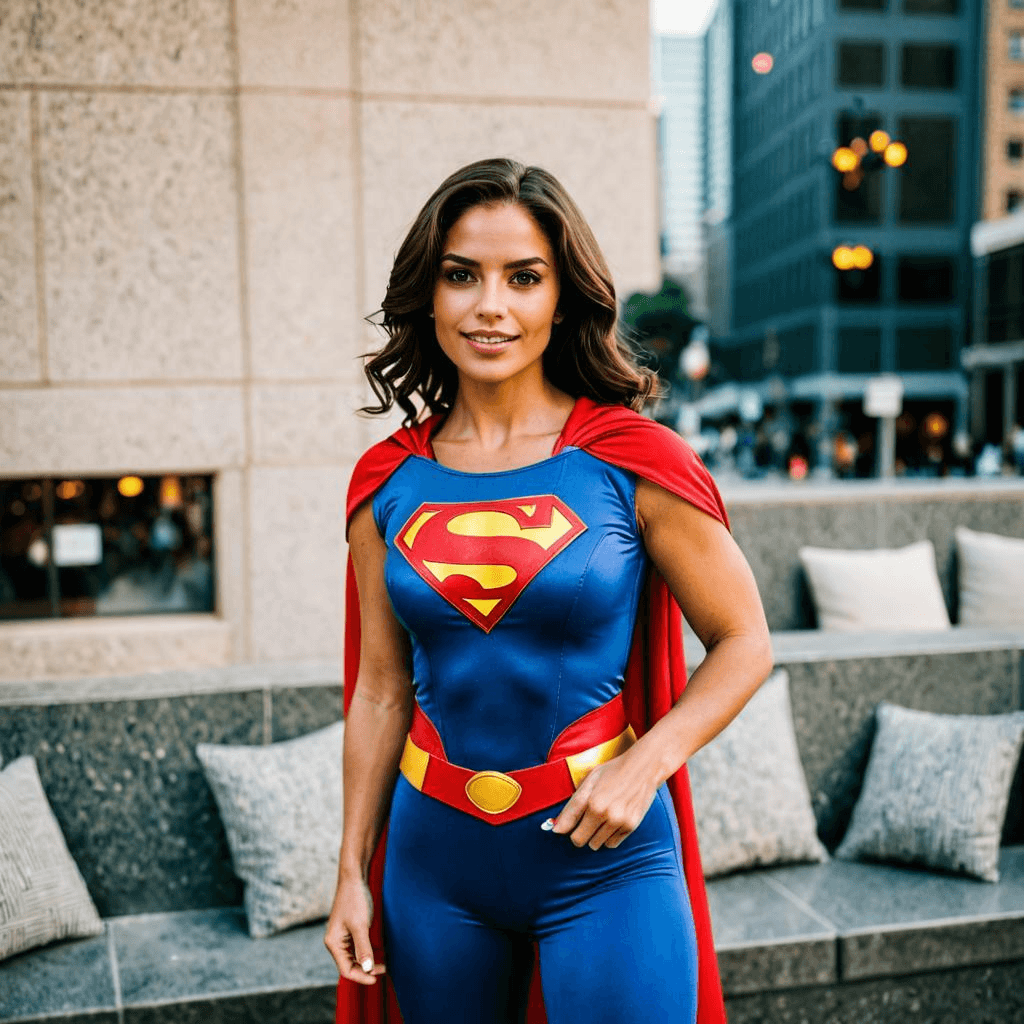
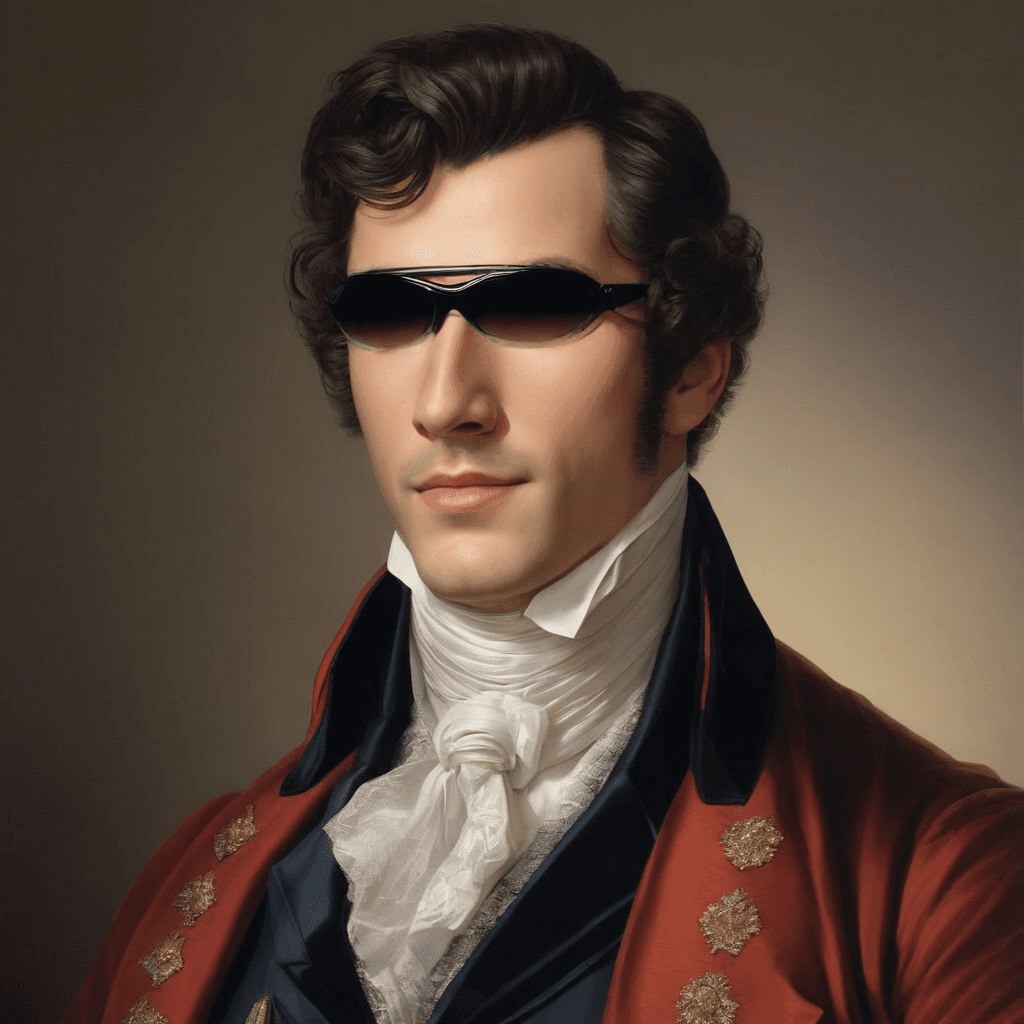
Click or Drag-n-Drop
PNG, JPG or GIF, Up-to 2048 x 2048 px
Click or Drag-n-Drop
PNG, JPG or GIF, Up-to 2048 x 2048 px
Click or Drag-n-Drop
PNG, JPG or GIF, Up-to 2048 x 2048 px
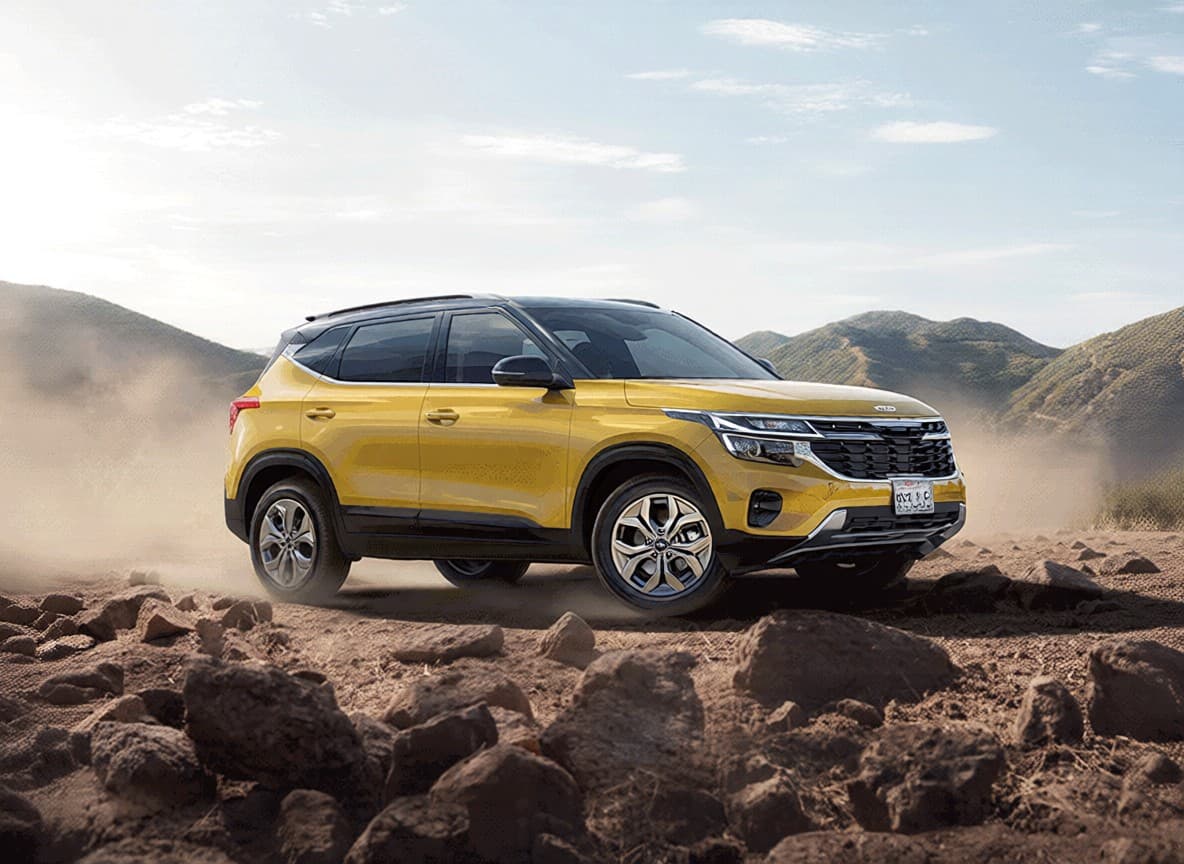
Qwen-Image-Edit-2509-Fusion: Image-to-Image Editing Model
Edited by Segmind Team on November 23, 2025.
What is Qwen-Image-Edit-2509-Fusion?
Qwen-Image-Edit-2509-Fusion is a next-generation image-to-image AI model built on the Qwen-Image-Edit-2509 architecture and refined with LoRA (Low-Rank Adaptation) technology for superior image fusion performance. It excels in merging products or objects into new backgrounds with lifelike accuracy by perfectly aligning lighting, perspective, and visual consistency. Qwen-Image-Edit-2509-Fusion is built on the Diffusers framework, which supports detailed and controlled edits ideal for high-end visual production. It is perfect for product photography, marketing campaigns, or creative composition, due to its ability to support realistic image adjustments with exceptional precision and versatility.
Key Features of Qwen-Image-Edit-2509-Fusion
- Intelligent Image Fusion: While blending multiple images, it can automatically adjust perspective and lighting.
- Multi-Image Blending: It supports up to three image inputs simultaneously for complex visual creations.
- LoRA Enhancement: It supports custom LoRA adapters via URL using its "blend_it" LoRA model.
- Flexible Aspect Ratios: It has 11 preset ratios (1:1, 16:9, 9:16, etc.) along with the option to match the input image dimensions.
- Reproducible Results: It lets the users set custom seeds for consistent output across multiple generations
- Multiple Export Formats: It supports JPEG, PNG, or WebP formats for images, with adjustable quality settings (1-100).
- Real-Time Processing: It is also accessible via inference providers like WaveSpeed for production-ready applications
Best Use Cases
-
E-commerce Product Photography: It can design professional catalog images by seamlessly placing products in lifestyle settings with proper lighting and perspective adjustments, without expensive photoshoots.
-
Marketing and Advertising: It can generate compelling visual content by blending brand elements, products, or graphics into diverse backgrounds for social media, web banners, and campaigns.
-
Creative Design and Prototyping: It can be used to rapidly generate multiple iterations of high-end visual concepts by compositing elements together, making it perfect for designers to test their layout ideas or create mood boards.
-
Real Estate and Architecture: Create diverse space visualization images with integrated furnishings or design elements into property photos for different clients.
Prompt Tips and Output Quality
Prompts should be descriptive and must specify the desired edit, along with the relationship between images. For example, "Blend the product naturally into the background with matching shadows and reflections" is more effective than unclear instructions.
Parameter Optimization:
- Use Image 1 as a primary subject (e.g., product) and Image 2 as the background for best fusion results.
- Add Image 3 to incorporate additional elements or overlays.
- Set seed values (0-2147483647) for reproducible edits during iteration cycles.
- Choose aspect ratio based on the platform: 9:16 for social stories, 16:9 for banners, or "match_input_image" to preserve original dimensions.
- Adjust quality (default 90) based on file size requirements: 95+ for print or 80-90 for web.
- Custom LoRA models via URL unlock specialized styles like specific product categories or artistic effects.
The model’s core architecture automatically manages perspective correction. Additionally, providing specific prompts about lighting conditions, such as "soft morning light" or "dramatic side lighting," can achieve better harmony and natural blending between the elements.
FAQs
Is Qwen-Image-Edit-2509-Fusion open-source?
The base model derives from Qwen/Qwen-Image-Edit-2509, which follows Qwen's licensing terms. Furthermore, the LoRA-enhanced version is accessible through inference platforms like WaveSpeed.
How is it different from other image editing models?
Qwen-Image-Edit-2509-Fusion specializes in perspective-aware fusion, as it can automatically adjust angles and lighting while blending images, an essential aspect for realistic product compositing, making it superior to general-purpose editors.
What parameters should I tweak for the best results?
Start with the default LoRA ("blend_it") and adjust the seed for variations. For e-commerce, use 16:9 or 4:3 aspect ratios with quality set to 90+; experiment with custom LoRA URLs for style-specific needs.
Can I blend more than three images?
Yes, the model supports up to three simultaneous image inputs (Image 1, 2, and 3). For more complex compositions, you can use multiple passes.
What image formats work best as input?
The model accepts standard formats, with outputs available in JPEG (for optimal compression), PNG (for transparency support), or WebP (for modern balance).
Do I need technical expertise to use this model?
To use Qwen-Image-Edit-2509-Fusion, a basic familiarity with image editing concepts helps. The model's automatic perspective and lighting adjustments handle much of the technical complexity, making it a reliable and easily accessible option to creative professionals without deep ML knowledge.
Popular Models