Click or Drag-n-Drop
PNG, JPG or GIF, Up-to 2048 x 2048 px
Click or Drag-n-Drop
PNG, JPG or GIF, Up-to 2048 x 2048 px
Click or Drag-n-Drop
PNG, JPG or GIF, Up-to 2048 x 2048 px
Add people to the scene: Image-to-Image Model
Edited by Segmind Team on November 27, 2025.
What is Qwen Image Edit Plus Add People?
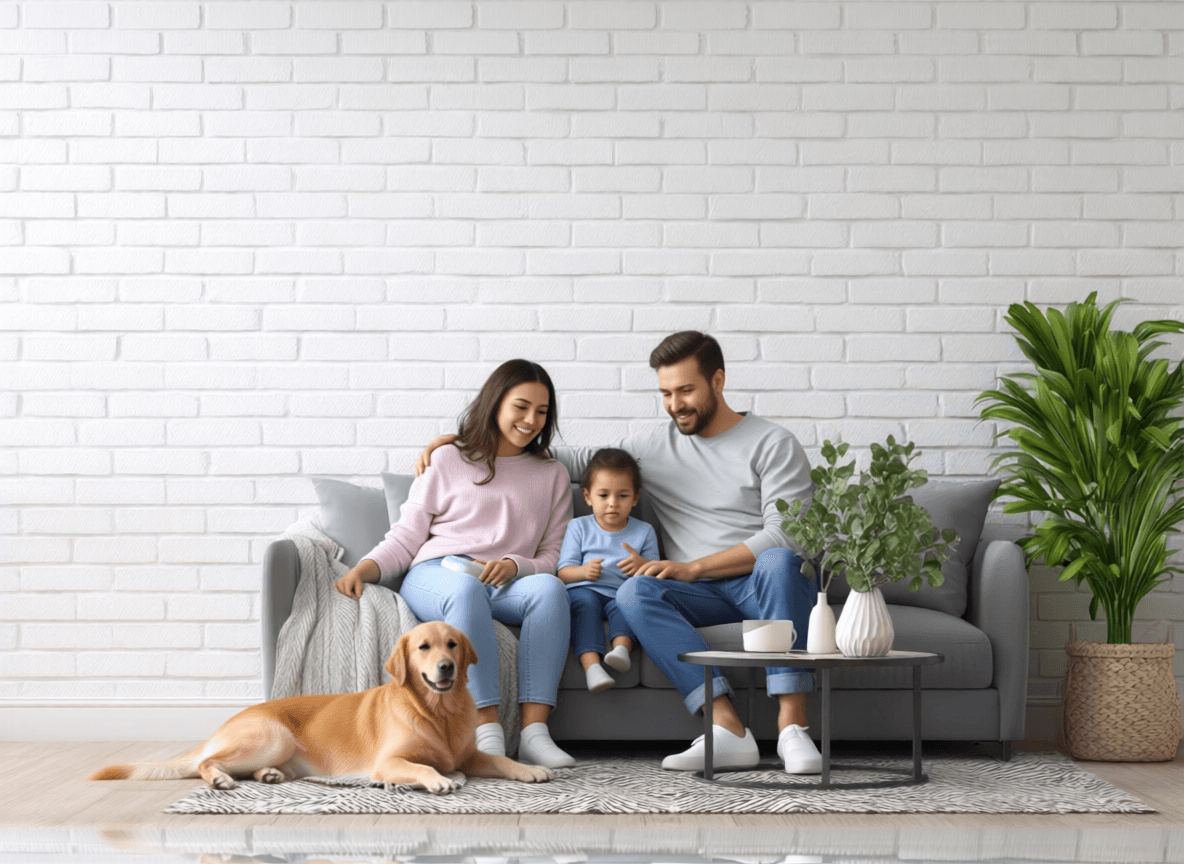
Qwen Image Edit Plus Add People is an AI image-to-image model built on Qwen’s Image-Edit-2509 framework. It is designed to generate and improve scenes featuring multiple individuals, to showcase them interacting naturally within a single setting. This model truly shines in grasping spatial relationships and crafting believable group dynamics, whether it’s a cozy family gathering, friends enjoying TV time, or crowds in diverse environments.
Qwen Image Edit Plus Add People also offers flexible multi-image blending via LoRA model support, making it a powerful tool for composing realistic multi-person scenes without complex manual edits, and an asset for digital artists, game developers, and content creators.
Key Features of Qwen Image Edit Plus Add People
- Multi-character scene synthesis with natural positioning and interaction dynamics.
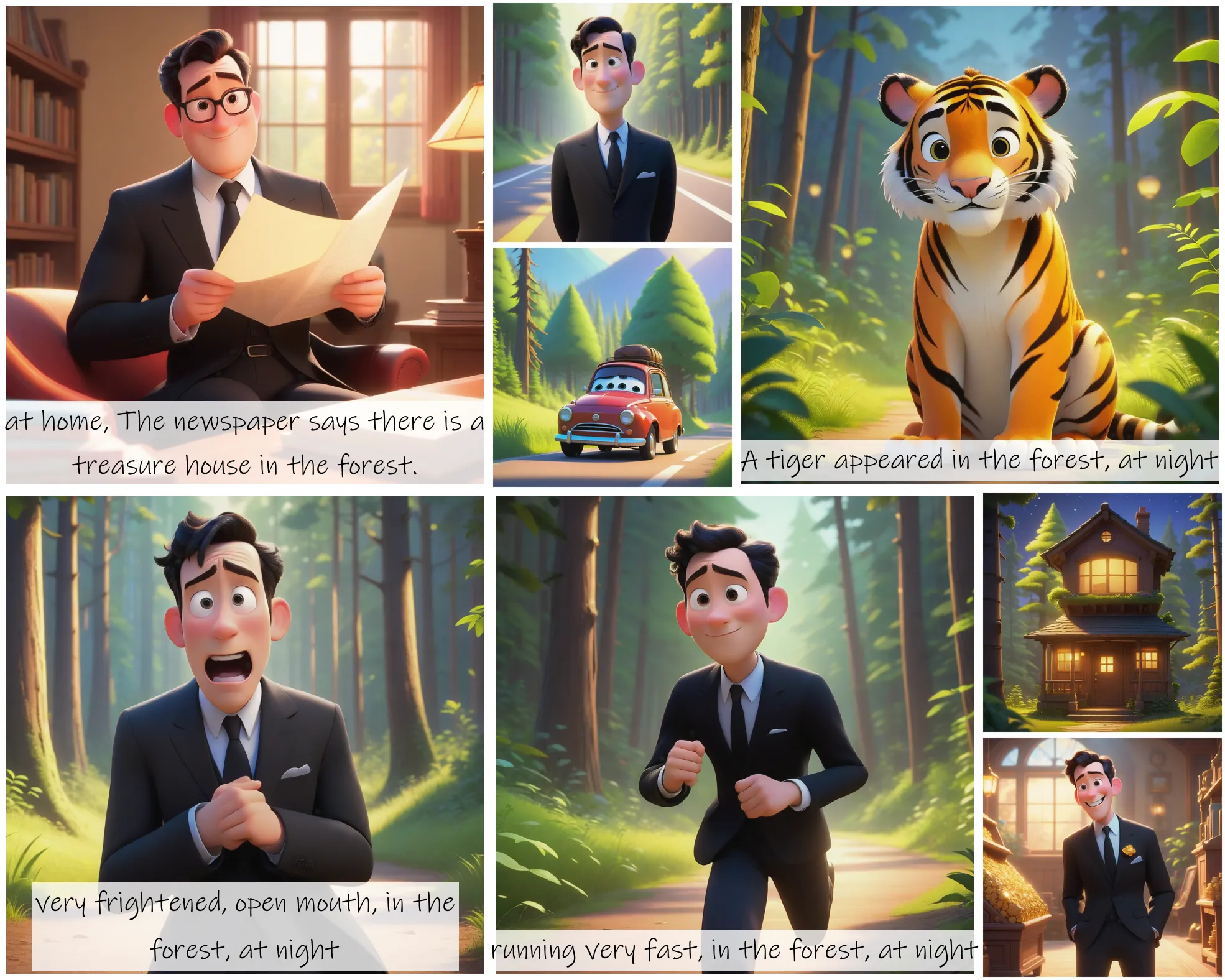
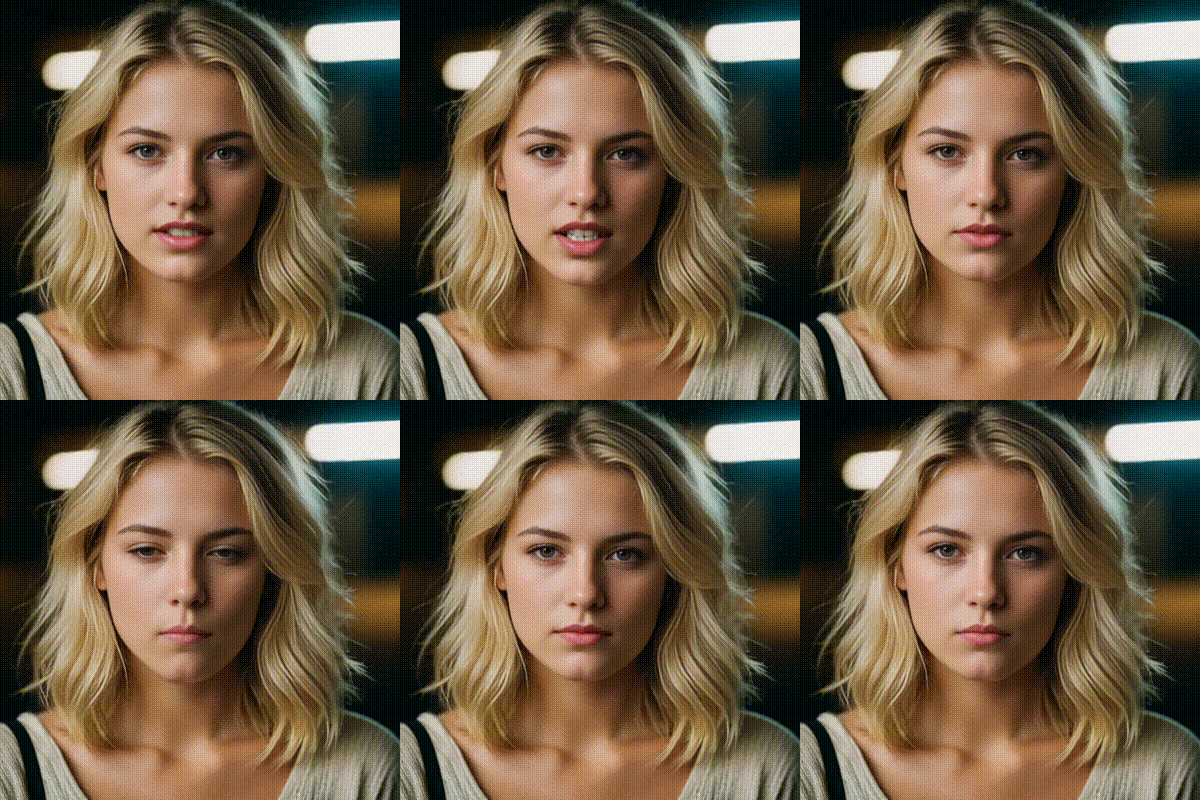
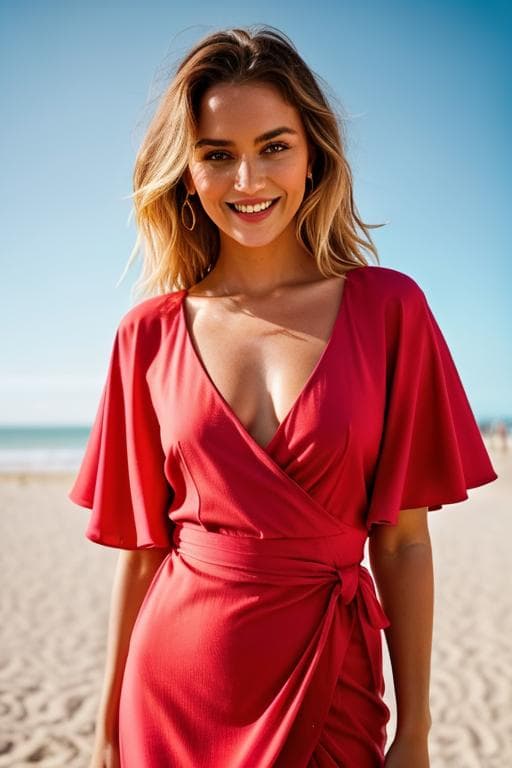
- Multiple image input support for blending up to three source images seamlessly.
- LoRA model integration including pre-configured "add_people" for character insertion.
- Flexible aspect ratios from square 1:1 to cinematic 21:9, plus match-input-image option.
- Seed-based reproducibility for consistent results across iterations.
- High-quality output options with configurable format (JPEG, PNG, WebP) and quality control.
- Angle and perspective handling for diverse character viewpoints within scenes.
Best Use Cases
-
Marketing and Advertising: It can be utilized to create lifestyle imagery with multiple models in realistic settings without expensive photoshoots.
-
Game Development: It can generate concept art showing character groups, party interactions, or crowd scenes for world-building.
-
Social Media Content: It can precisely edit existing photos to add or modify people in scenes while maintaining visual coherence.
-
Film Pre-visualization: It is capable of creating mock-up multi-character scenes for storyboarding and blocking decisions.
-
E-commerce: It can effortlessly enhance product photography by adding contextual human elements showing usage scenarios.
-
Architectural Visualization: It can populate renders with people at various scales and angles to demonstrate space functionality.
Prompt Tips and Output Quality
-
Effective prompting is essential for precise visual outputs; therefore, prompts should be specific about quantity and activity. So, instead of "add people," use "two adults sitting on a couch watching television" or "family of four preparing dinner in the kitchen."
-
Multi-image workflow: Use 'image_1' as a primary scene, 'image_2' for character references or environmental elements to blend, and 'image_3' for additional atmospheric details. The model intelligently composites these inputs based on the prompt guidance.
-
LoRA selection matters: The 'add_people' LoRA is optimized for character insertion; therefore, for specialized effects, experiment with custom LoRA URLs in the advanced parameters.
-
Aspect ratio strategy: Use the aspect ratio to match your intended platform: '1:1' for social media posts, '16:9' for YouTube thumbnails, '9:16' for vertical video formats. Additionally, you can use 'match_input_image' when preserving original dimensions is essential to the visual output.
-
Seed control: Set a specific seed (not -1) when iterating on a composition to maintain consistent character placement while refining prompt details.
-
Quality settings: For final outputs, use the 'PNG' format at '85+' to preserve edge details crucial for multi-character scenes; you may lower the settings for drafts.
FAQs
Is Multiple Characters open-source?
The model is fine-tuned from Qwen/Qwen-Image-Edit-2509 and available through Segmind's platform. You may check the base model's license for specific usage terms.
How is it different from standard image-to-image models?
This model specializes in multi-character spatial coherence and interaction realism; thus, it understands group dynamics rather than treating each person as an isolated element, making it superior to generic editing models.
What's the maximum number of characters I can add?
The model can handle multiple characters effectively, and the optimal results can be achieved with 2-6 distinct people (objects). Larger crowds may require iterative approaches or multiple generations combined in post-processing.
Can I control specific character positions?
Yes, through detailed prompts that clearly specify locations (e.g., "person on left side facing right, second person in center background"; combining this with seed control enables precise positioning.
What parameters should I tweak for the best results?
Start with 'aspect_ratio' that matches your use case, set a consistent seed for iterations, and use the 'add_people' LoRA.
For production work, prioritize PNG format with the '85-95' quality.
Does it work with existing photos or only the generated images?
It can work efficiently with existing photos and the generated images. You can upload your photos as 'image_1' and use prompts to add, remove, or modify people within the existing scene context.
Popular Models