1
2
3
4
5
6
7
8
9
10
11
12
13
14
15
16
17
18
19
20
21
22
23
24
25
26
27
28
const axios = require('axios');

const fs = require('fs');
const path = require('path');

async function toB64(imgPath) {
    const data = fs.readFileSync(path.resolve(imgPath));
    return Buffer.from(data).toString('base64');
}

const api_key = "YOUR API-KEY";
const url = "https://api.segmind.com/v1/qwen-image-3";

const data = {
  "prompt": "A cozy independent bookstore cafe on a rainy autumn evening, warm golden light glowing through the large front windows onto a wet cobblestone street, a hand-painted wooden sign above the entrance that reads \"Qwen Books & Coffee\", reflections shimmering in the puddles, a person under a red umbrella walking past, cinematic photorealistic detail, shallow depth of field, 35mm",
  "image": "toB64('undefined')",
  "image2": "toB64('undefined')",
  "image3": "toB64('undefined')"
};

(async function() {
    try {
        const response = await axios.post(url, data, { headers: { 'x-api-key': api_key } });
        console.log(response.data);
    } catch (error) {
        console.error('Error:', error.response.data);
    }
})();Attributes
Describe the image or edit to apply; required. Add subject, style, text, and lighting.
Optional reference image URL to edit instead of generating. Use for instruction-based edits.
Optional second reference image URL. Add for multi-image edits and composition blending.
Optional third reference image URL; up to three supported. Use for complex composites.
Output resolution; 2048*2048 is text-to-image only, editing maxes at 1440*1440. Pick per aspect ratio.
Allowed values:
Elements to exclude, up to 500 characters. List artifacts like blurry, watermark, deformed.
Boolean; auto-rewrites and enriches short prompts. Enable for brief prompts, disable for precise control.
Rewrite style when Prompt Extend is on: direct light touch-up or agent fuller rewrite.
Allowed values:
Integer 0 to 2147483647 for reproducible results. Fix a value to repeat, change to vary.
Boolean; adds the Qwen watermark. Keep off for clean output, on for attribution.
To keep track of your credit usage, you can inspect the response headers of each API call. The x-remaining-credits property will indicate the number of remaining credits in your account. Ensure you monitor this value to avoid any disruptions in your API usage.
Qwen Image 3.0 — Text-to-Image Generation and Editing
What is Qwen Image 3.0?
Qwen Image 3.0 is Alibaba's third-generation image foundation model for text-to-image generation and natural-language image editing. Where most generators chase how pretty an output looks, Qwen Image 3.0 is tuned to make images useful — dense enough with legible text and correct layout to work as a real document, not just an illustration. It reads long, detailed prompts and composes information-heavy scenes such as newspaper pages, multi-panel infographics, academic papers with formulas, UI mockups, and storyboards in a single pass.
On Segmind, Qwen Image 3.0 runs as a synchronous endpoint that returns your image directly. You send a prompt, optionally pass up to three reference images for editing, choose a size up to 2048 x 2048, and receive a finished PNG — no polling required. It is a strong pick for developers and creators who need reliable text-in-image rendering, multilingual output, and instruction-based edits from one API call.
Key Features
- Legible text rendering — designed to keep small text and complex typography readable, including multilingual scripts, so posters, labels, and UI copy come out clean.
- Long, structured prompts — describe an entire layout in one instruction instead of stitching separate images.
- Text-to-image and editing — generate from scratch, or supply 1 to 3 reference images and edit them with plain language.
- High resolution — output up to 2048 x 2048 for text-to-image; editing supports up to 1440 x 1440.
- Prompt Extend — automatically enriches short prompts (
directlight touch-up oragentfuller rewrite). - Reproducible results — set a
seed(0 to 2147483647) to lock a composition, or change it to explore variations. - Optional watermark and a
negative_promptto steer unwanted elements out of the frame.
Best Use Cases
Qwen Image 3.0 shines on text-heavy, layout-driven work that trips up general art models. Reach for it when structure and legibility matter: product sheets, multilingual posters, exam papers, dashboard and UI mockups, storyboards, e-commerce imagery, and infographic grids. Its editing mode is well suited to instruction-based changes — adding annotations, swapping backgrounds, blending elements from multiple references, or restoring detail — while preserving the identity and composition of the source images. For polished, photographic portraits and dense material textures like skin, hair, and paper, the model's finer detail rendering is a real asset. Teams generating structured, multilingual assets get the most value, because a single long prompt with native text saves hours of manual stitching and retyping.
Prompt Tips and Output Quality
Write specific prompts: name the subject, composition, style, lighting, and any exact text you want rendered, in quotation marks. For dense layouts, describe each region explicitly — what belongs together and what stays separate. Keep Prompt Extend on for short prompts to enrich them automatically; turn it off when you want precise, literal control. Pick a size that matches your target aspect ratio, and reserve 2048 x 2048 for text-to-image, since editing tops out at 1440 x 1440. Independent testers note that general (non-text) image quality can trail proprietary leaders and that small fonts and non-Latin scripts still slip occasionally, so always proofread generated text — names, dates, numbers, and legal copy — before shipping. Use negative_prompt (up to 500 characters) to remove artifacts, and lock a seed once you find a look you like.
FAQs
Is Qwen Image 3.0 open source? No. Unlike earlier Qwen-Image releases, version 3.0 shipped without public weights, a model card, or a technical report — it is available through hosted APIs like this one.
How many languages does it support? Alibaba states the model natively renders text in 12 languages across a wide range of fonts in a single pass.
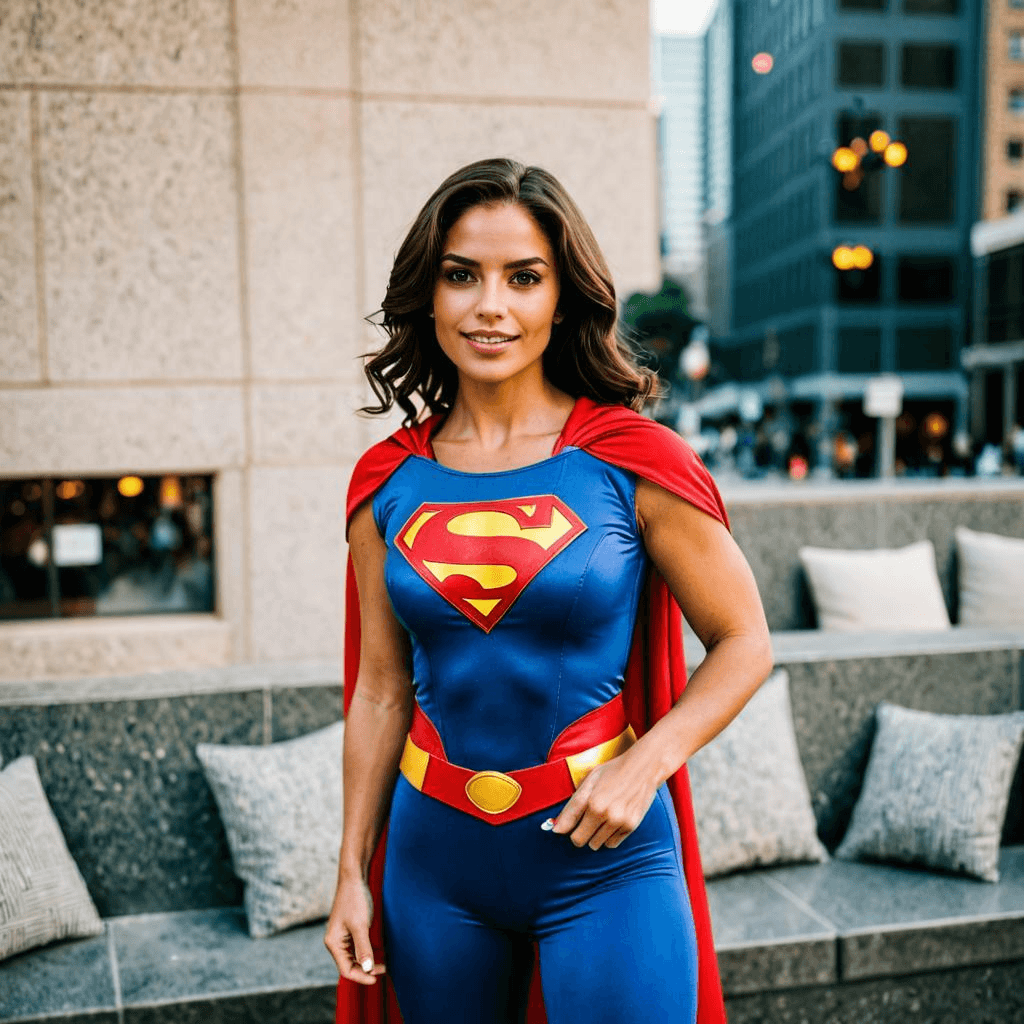
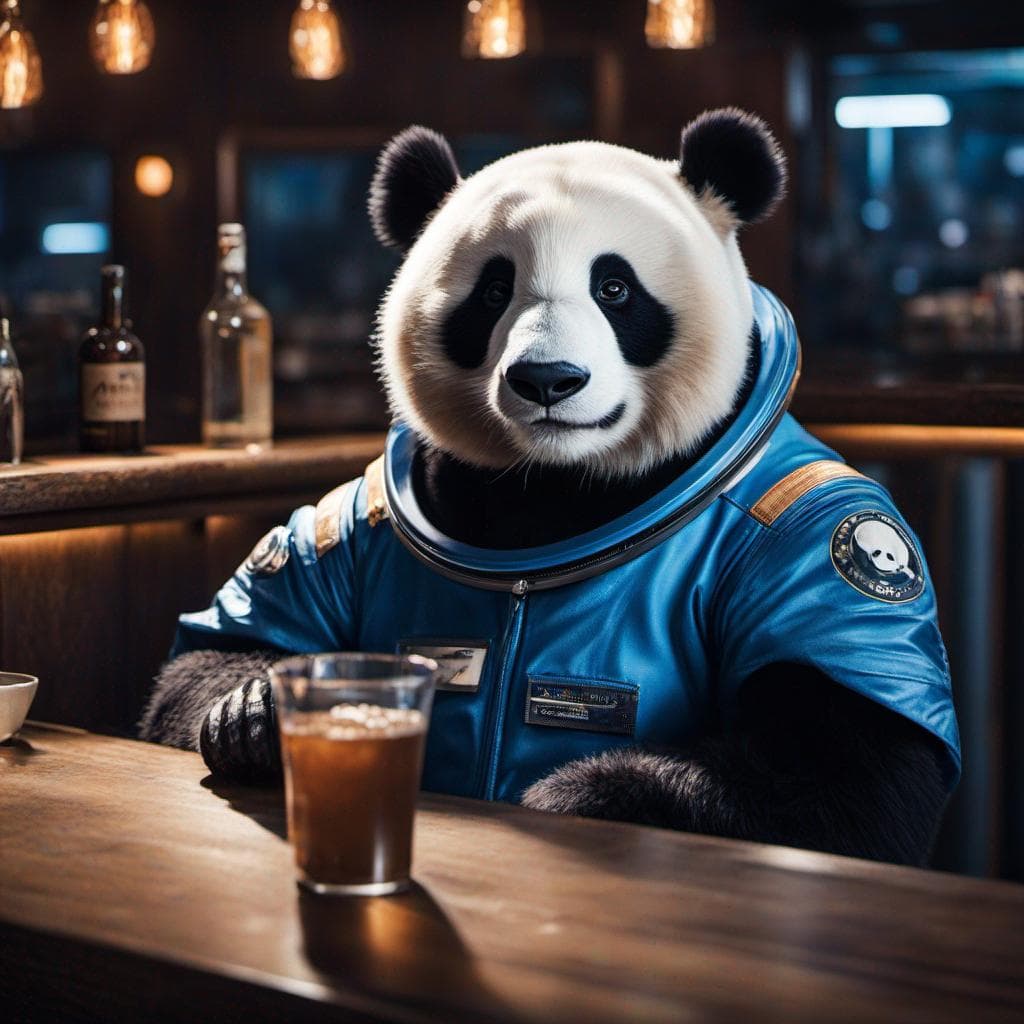
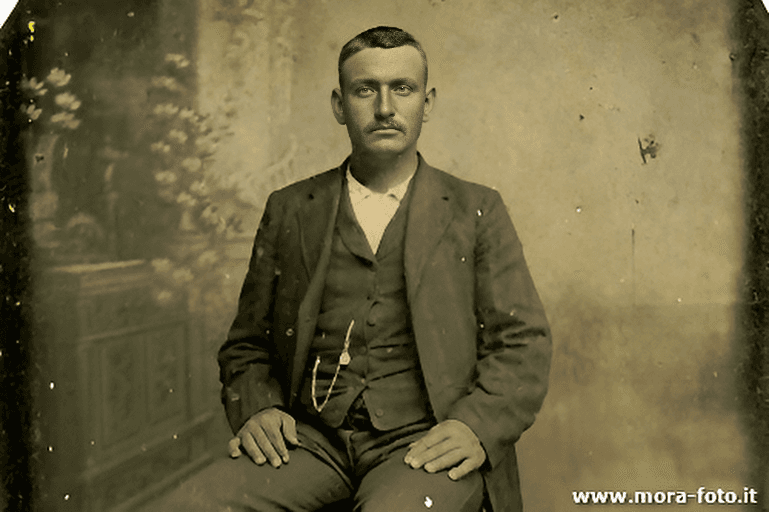
Can it edit existing images, not just generate? Yes. Pass 1 to 3 reference images with a natural-language instruction to edit, blend, or restyle them while preserving key details.
What is the maximum resolution? Up to 2048 x 2048 for text-to-image generation; image editing supports resolutions up to 1440 x 1440.
What are the main limitations? General artistic quality can trail top proprietary models, data-visualization numbers may be wrong, and small or non-Latin text can contain errors — verify anything high-stakes.
How do I get reproducible results?
Set a fixed seed between 0 and 2147483647 and keep other parameters constant; change the seed to generate fresh variations.
Popular Models