Qwen-Image-2512: Advanced Text-to-Image Model
Edited by Segmind Team on January 1, 2026.
What is Qwen-Image-2512?
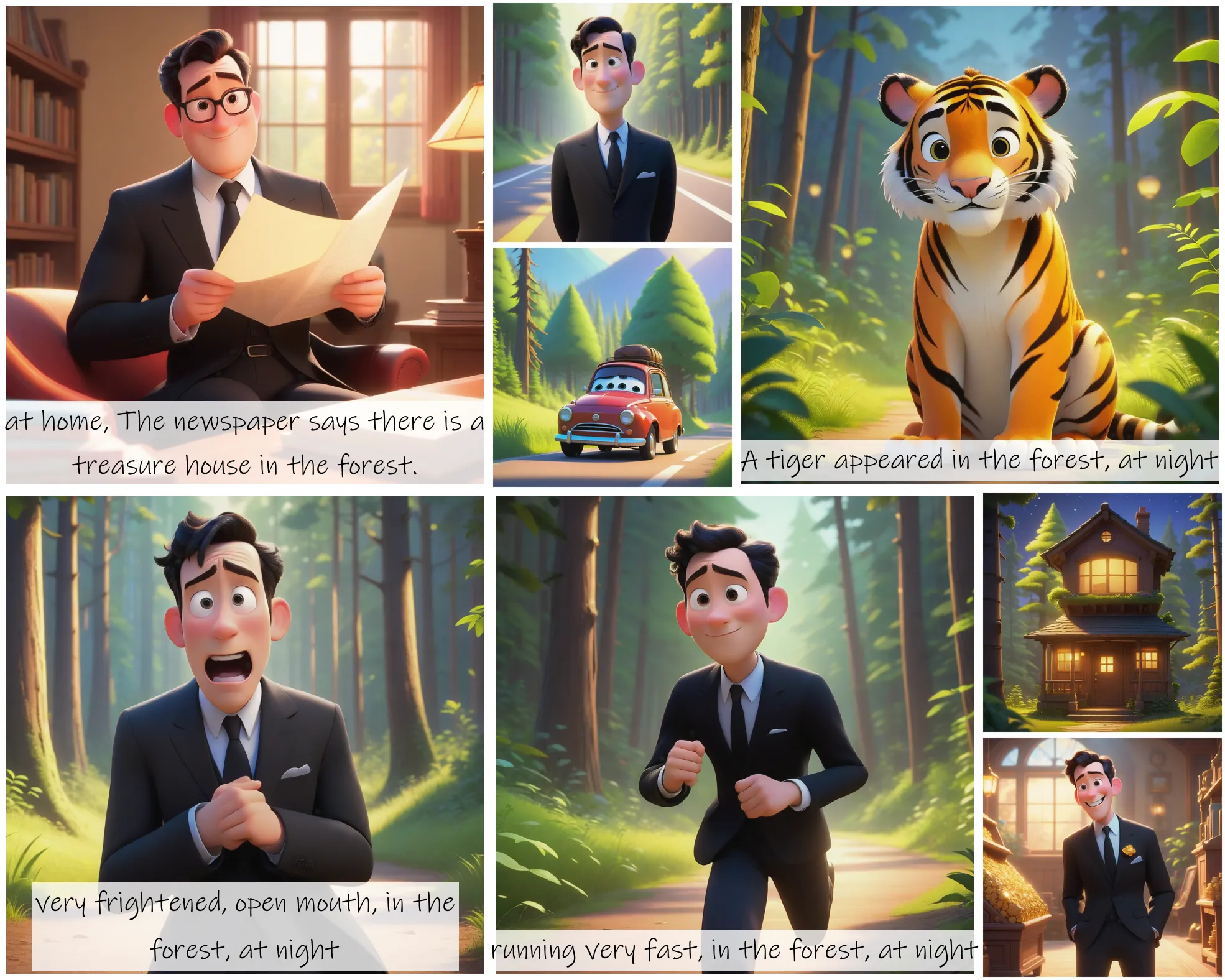
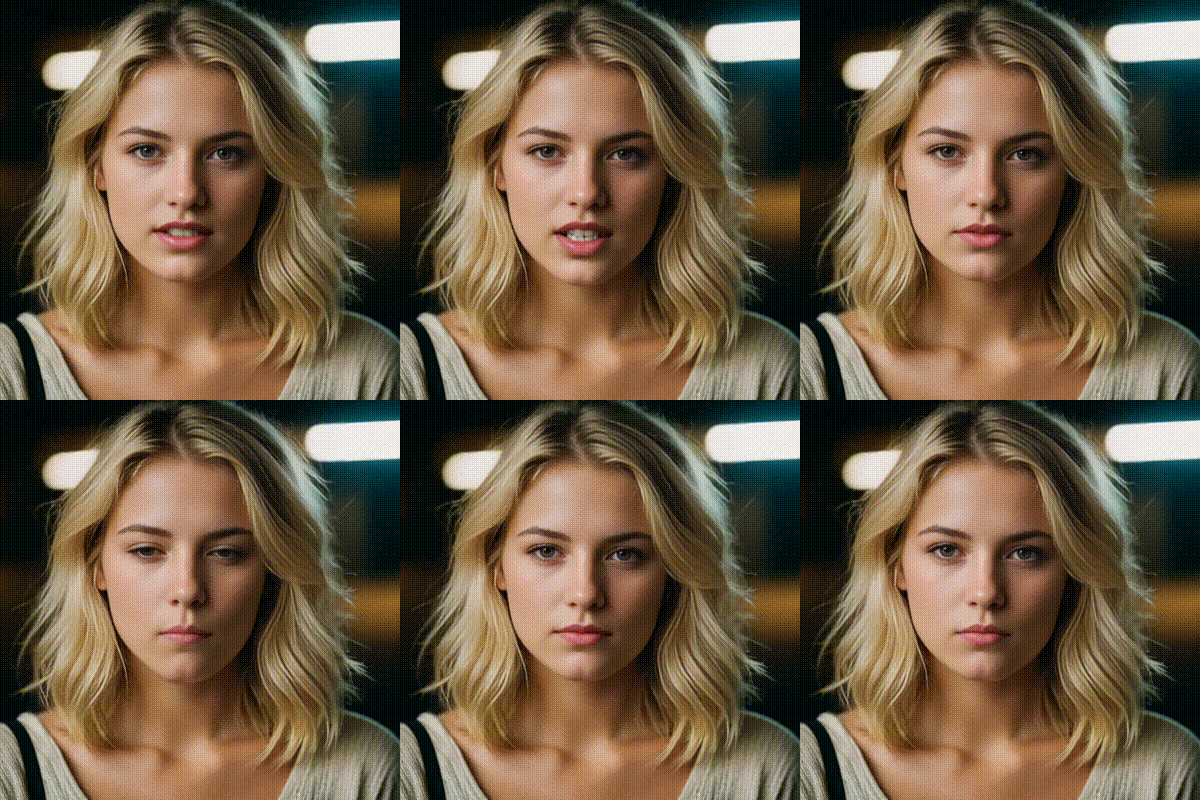
Qwen-Image-2512 is an advanced text-to-image AI model from the Qwen series, designed to convert written descriptions into photorealistic images that are immensely realistic. It is built on the powerful Diffusers library, which marks a major advancement in generative AI, demonstrating exceptional performance in depicting humans, detailed environments, and embedded text within the generated images. Qwen-Image-2512 stands out by generating lifelike expressions, authentic textures, and contextually rich compositions, thereby delivering results that rival closed-source models while maintaining open-source accessibility, making it superior to commonly available text-to-image models that often fall short when it comes to creating images with precise facial features or typography integration.
Key Features of Qwen-Image-2512
- Advanced Human Depiction: The model generates realistic facial features, expressions, and body proportions with exceptional accuracy.
- Natural Environmental Detail: It produces fine textures in landscapes, animals, and architectural elements with photorealistic quality.
- Superior Text Rendering: It integrates textual elements clearly and naturally within generated images.
- Flexible Aspect Ratios: It supports custom dimensions from 256×256 to 2048×2048 pixels for diverse use cases.
- Reproducible Outputs: Its seed control enables consistent regeneration of specific styles or compositions.
- Multimodal Generation: It offers powerful capabilities across various visual domains from portraits to complex scenes
- Open-Source Architecture: It delivers state-of-the-art performance with transparency and community support.
Best Use Cases
Qwen-Image-2512 excels when the projects need high visual fidelity and contextual accuracy, such as in:
- Digital Marketing: To create photorealistic product mockups, lifestyle imagery, and branded visual content.
- Entertainment & Media: To generate concept art, storyboards, and character designs for films, games, and animation.
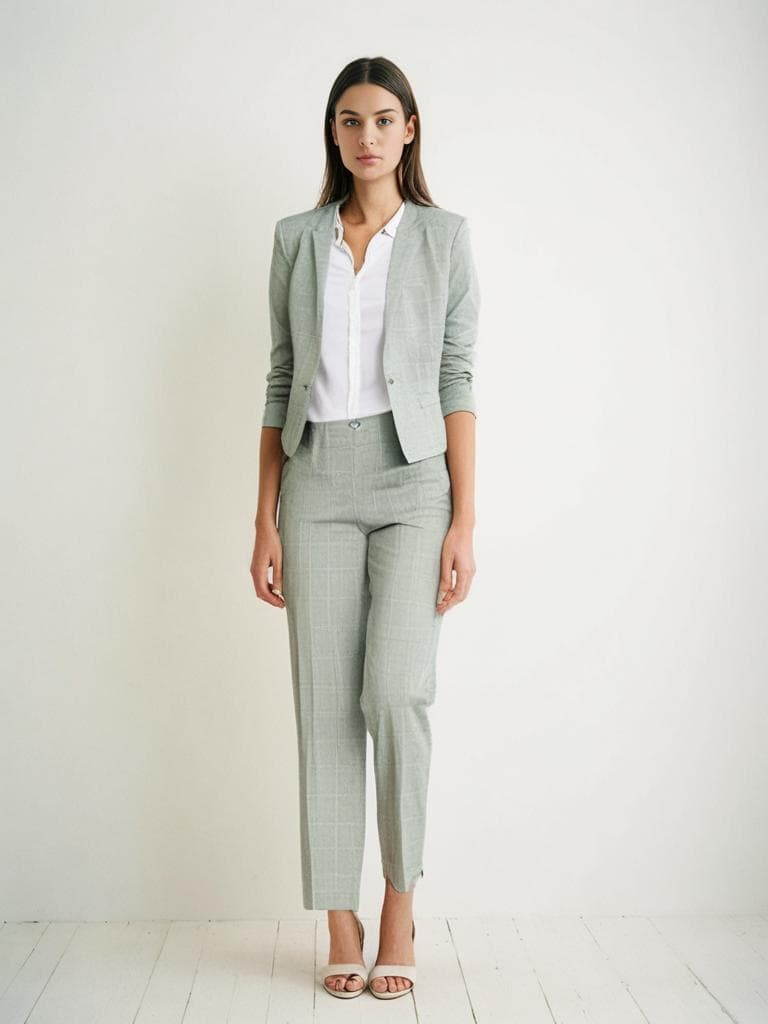
- E-commerce: To produce diverse product presentations and lifestyle scenes without expensive photoshoots.
- Publishing & Education: To design book covers, illustrations, and educational materials with detailed visuals.
- Architecture & Interior Design: To visualize spaces, environments, and design concepts with realistic rendering.
- Social Media Content: To generate engaging, high-quality visuals for campaigns and storytelling.
Prompt Tips and Output Quality
Effective prompting significantly impacts Qwen-Image-2512's output quality:
- Prompt Construction: Use vivid, detailed descriptions with specific elements like lighting, style, mood, and composition. So, instead of "a city," try "a futuristic cyberpunk city at night with neon signs reflecting on wet streets."
- Steps Parameter: Adjust rendering quality through the steps parameter (1-75): higher values (50+) produce more refined details, while lower values generate faster results for iteration.
- Resolution Considerations: Larger dimensions (1024×1024+) showcase fine details in landscapes and complex scenes, while standard sizes (512×512) work well for portraits and quick iterations.
- Seed Control: Use specific seed values (not -1) to generate reproducible results or to explore variations of a successful composition.
- Format Selection: Choose PNG for maximum quality and transparency support, JPEG for smaller file sizes, or WebP for web-optimized delivery.
FAQs
Is Qwen-Image-2512 open-source?
Yes, Qwen-Image-2512 is an open-source model built on the Diffusers library, making it accessible for developers and researchers while achieving performance competitive with closed-source alternatives.
How does Qwen-Image-2512 compare to other text-to-image models?
Qwen-Image-2512 excels at human facial features, natural environmental details, and text rendering, the areas where many models struggle. It ranks among the best open-source options with state-of-the-art performance metrics.
What steps value should I utilize for the best results?
Start with 50 steps for balanced quality and speed; increase to 60-75 for maximum detail in final outputs; or decrease to 20-30 for rapid prototyping and iteration during creative exploration.
Can I generate consistent images with different prompts?
Yes, Qwen-Image-2512 is ideal for maintaining visual coherence across series or campaigns; using the same seed value across different prompts ensures stylistic consistency.
What resolution works best for portraits vs. landscapes?
For outcomes that need portraits, use 512×768 or 768×1024 resolutions, and wider ratios like 1024×768 or 1536×1024 are ideal for landscapes. The model supports flexible dimensions up to 2048 pixels on either axis.
How does the quality parameter affect output?
The quality setting (1-100) controls image compression. Use 100 for archival quality and professional work, or 80-90 for web use with minimal visual loss but significantly smaller file sizes.
Popular Models