You can drop your own file here
You can drop your own file here
Kling Avatar v2 Standard: Image-to-Video Avatar Model
What is Kling Avatar v2 Standard?
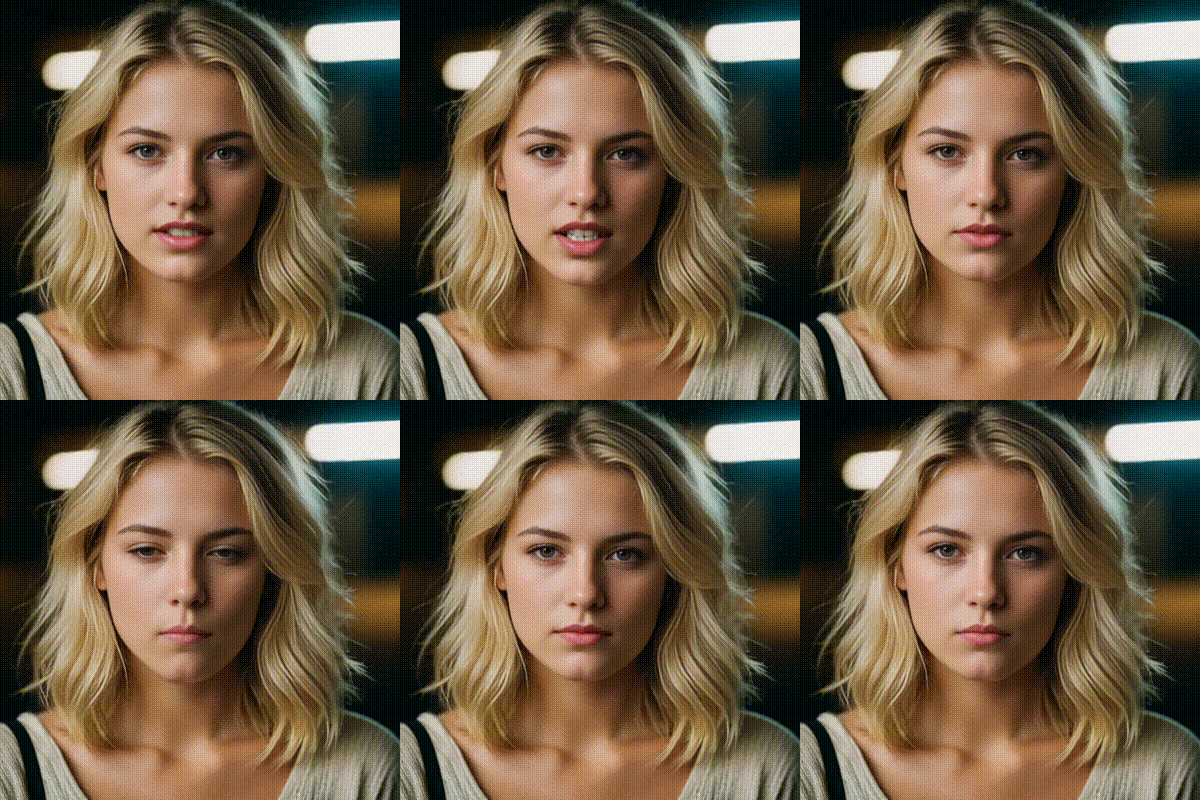
Kling Avatar v2 Standard is a generative avatar model that creates a talking-head style video from a source image and a driving audio track. You provide an image_url (the avatar/background frame) and an audio_url (speech or narration), and the model renders a video with lip-sync and expressive facial motion aligned to the audio. An optional prompt lets you steer tone, vibe, and overall presentation.
This model is built for teams who need fast, repeatable avatar video generation for product updates, instructional content, brand messaging, and social clips—without a full production pipeline. It’s especially useful when you want consistent on-camera delivery across many iterations (e.g., weekly release updates).
Key Features
- Image + audio conditioned video generation (avatar-driven video)
- Lip-sync aligned to narration from
audio_url - Creative direction via prompt for tone, mood, and scene styling
- Simple API surface: only three inputs (
image_url,audio_url,prompt) - Works well for marketing, storytelling, and explainer video workflows
- Optimized for clear, structured narration and presenter-style framing
Best Use Cases
- Product launches and release announcement videos
- How-to guides, onboarding, and micro-learning modules
- Creator workflows: narrated shorts, explainers, and storytime content
- Internal communications: CEO updates, weekly summaries, team news
- Multilingual narration (swap
audio_urlwhile keeping the same avatar image)
Prompt Tips and Output Quality
- Start with the essentials: speaker style + setting + pacing.
Example: “Professional, friendly presenter in a modern studio; concise delivery; upbeat.” - For stronger results, keep the input image front-facing, well-lit, high resolution, with a clear face region.
- Use clean audio (minimal noise, consistent volume). Clear enunciation improves lip-sync quality.
- Prompts work best as direction, not scripts—use the audio as the source of spoken content.
FAQs
Is Kling Avatar v2 Standard text-to-video?
Not directly. It’s primarily image-to-video with audio-driven animation; prompt guides style.
What parameters can I tweak?
image_url (visual quality), audio_url (lip-sync driver), and optional prompt (tone/style).
How is it different from general video generation models?
It’s optimized for talking avatar output—stable identity and speech alignment—rather than open-ended scenes.
What image works best?
High-res, front-facing portraits with neutral background and good lighting.
Can I use it for tutorials or marketing videos?
Yes—common search workflows include “AI avatar generator,” “lip sync video,” and “image and audio to video avatar.”
Popular Models