1
2
3
4
5
6
7
8
9
10
11
12
13
14
15
16
17
18
19
20
const axios = require('axios');


const api_key = "YOUR API-KEY";
const url = "https://api.segmind.com/v1/kling-v2-pro-avatar";

const data = {
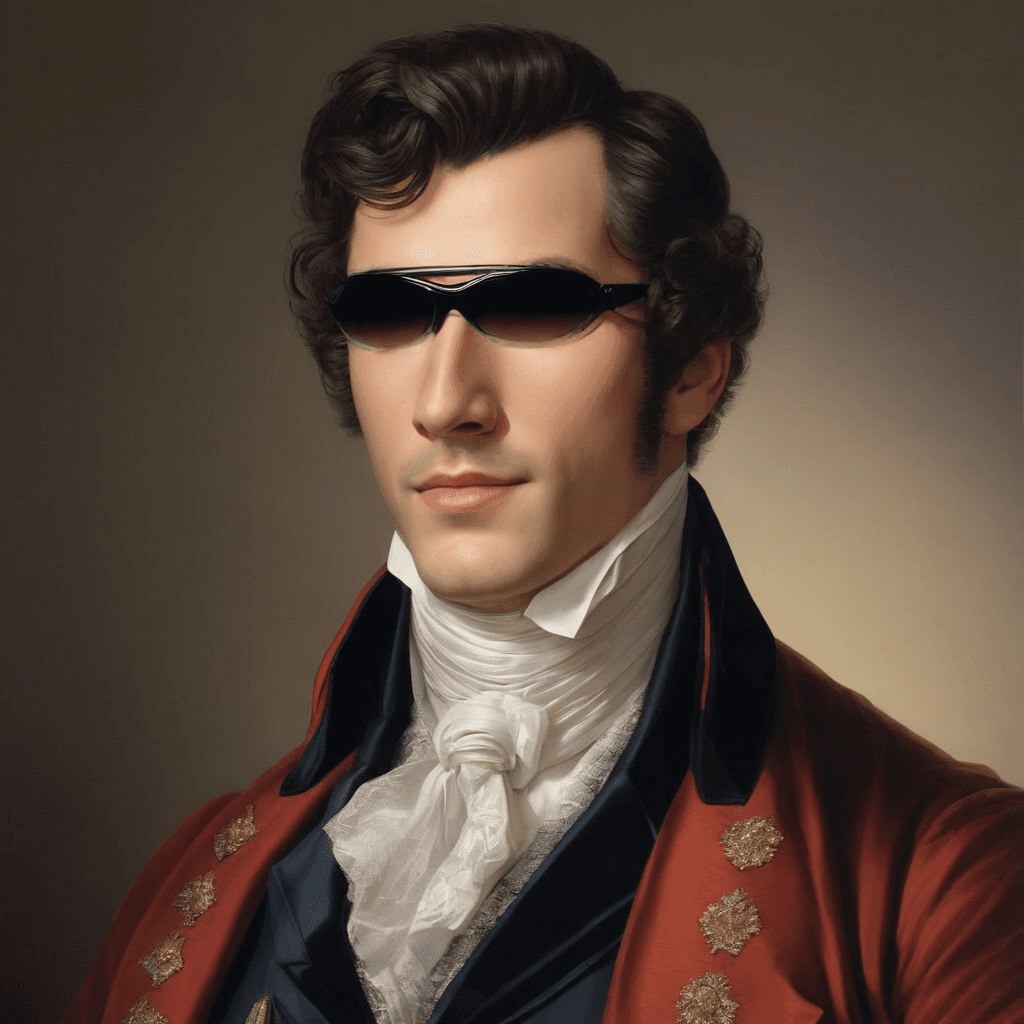
  "image_url": "https://storage.googleapis.com/magicpoint/inputs/kling-video-v1-pro-ai-avatar-input.png",
  "audio_url": "https://storage.googleapis.com/magicpoint/inputs/kling-video-v1-pro-ai-avatar-input.mp3",
  "prompt": "Create a cheerful greeting"
};

(async function() {
    try {
        const response = await axios.post(url, data, { headers: { 'x-api-key': api_key } });
        console.log(response.data);
    } catch (error) {
        console.error('Error:', error.response.data);
    }
})();Attributes
URL linking to a background image, crucial for video quality. Use high-resolution URLs for best results.
URL linking to an audio track, vital for video ambiance. Choose URLs with clear audio quality.
Guides avatar actions or expressions. Use detailed prompts for specific actions or tones.
To keep track of your credit usage, you can inspect the response headers of each API call. The x-remaining-credits property will indicate the number of remaining credits in your account. Ensure you monitor this value to avoid any disruptions in your API usage.
Kling Video v1 Pro (AI Avatar): Image + Audio to Video Model
What is Kling Video v1 Pro (AI Avatar)?
Kling Video v1 Pro (AI Avatar) is a generative video model that creates an avatar-style video from two key inputs: a background image URL and an audio URL. You can optionally add a prompt to guide expressions, tone, and on-screen actions. This makes it well-suited for developers building AI avatar video generation, talking head video, and audio-driven video synthesis into apps, internal tools, or creative pipelines.
Because the output is anchored to your provided image and timed to your audio, the model is especially strong at producing consistent scenes and predictable pacing—ideal for product demos, narration, announcements, and short-form content where you control the script.
Key Features
- Image-to-video anchoring: Uses a provided
image_urlas the visual base for stable composition. - Audio-conditioned motion: Uses
audio_urlto drive timing and overall performance/ambience. - Promptable behavior: Optional
promptto nudge facial expression, mood, gestures, and intent. - API-friendly inputs: Works cleanly with hosted assets (HTTP(S) URIs), ideal for backend workflows.
- Consistent creative control: Predictable results when image and audio quality are high.
Best Use Cases
- AI spokesperson / presenter videos for marketing, onboarding, and internal comms
- Explainer content: narrations over a branded background or character image
- Creator workflows: turn voiceovers into shareable short videos
- Product updates and announcements: quick release-note narration clips for social or in-app feeds
- Localized content: swap audio tracks per language while keeping visuals consistent
Prompt Tips and Output Quality
- Start with a clear intention: “calm, professional delivery,” “cheerful greeting,” “serious announcement.”
- Describe expression + pacing: “warm smile, steady eye contact, subtle head nods.”
- Keep prompts action-oriented; avoid long scripts in the prompt—the audio is the script.
- Use high-resolution images for
image_urlto reduce blur and preserve detail. - Use clean audio (minimal noise, clear speech) for
audio_urlto improve perceived sync and clarity.
FAQs
Is Kling Video v1 Pro (AI Avatar) a text-to-video model?
It’s primarily image + audio to video, with an optional prompt for behavior and tone.
What inputs are required?
image_url and audio_url are required. prompt is optional.
How do I get the best quality output?
Use a sharp, high-resolution image_url and a clear audio_url with consistent volume and minimal background noise.
What should I put in the prompt?
Direction for expressions and actions (e.g., “confident, friendly tone; gentle smile; small hand gestures”).
How is it different from other AI video generators?
It’s optimized for audio-driven avatar performance anchored to your provided image, giving stable visuals and predictable timing.
Popular Models