1
2
3
4
5
6
7
8
9
10
11
12
13
14
15
16
17
18
19
20
21
22
23
24
const axios = require('axios');


const api_key = "YOUR API-KEY";
const url = "https://api.segmind.com/v1/kling-o3-video2video-reference";

const data = {
  "prompt": "Transform the scene into a magical winter wonderland with snow falling, frosted trees, and a dreamy cinematic atmosphere",
  "video_url": "https://segmind-resources.s3.amazonaws.com/input/kling-o3-v2v-input-video.mp4",
  "mode": "pro",
  "duration": 5,
  "aspect_ratio": "16:9",
  "shot_type": "customize",
  "keep_audio": false
};

(async function() {
    try {
        const response = await axios.post(url, data, { headers: { 'x-api-key': api_key } });
        console.log(response.data);
    } catch (error) {
        console.error('Error:', error.response.data);
    }
})();Attributes
Transformation instructions. Use @Element for characters, @Image for styles.
Source video URL to transform. Must be publicly accessible.
Reference image URLs for style or subject appearance guidance.
Standard for fast drafts, Pro for production-quality output.
Allowed values:
Character or object elements with frontal and reference images.
Output clip length in seconds, 3-15.
Allowed values:
Output video aspect ratio. 16:9, 9:16, or 1:1.
Allowed values:
Camera framing for output. Leave as customize to auto-infer.
Preserve original video audio track in the output.
To keep track of your credit usage, you can inspect the response headers of each API call. The x-remaining-credits property will indicate the number of remaining credits in your account. Ensure you monitor this value to avoid any disruptions in your API usage.
Kling O3 Video-to-Video Reference | AI Video Transformation Model
What is Kling O3 Video-to-Video Reference?
Kling O3 Video-to-Video Reference is Kuaishou's advanced AI video transformation model, part of the Kling 3.0 suite launched in February 2026. Built on the Omni One architecture with 3D Spacetime Joint Attention and Chain-of-Thought reasoning, it transforms existing video footage by combining text prompts with reference images and custom character elements. Unlike text-to-video models that generate from scratch, Kling O3 Video-to-Video Reference uses your source video as a foundation — intelligently modifying it to swap characters, transfer visual styles, and reshape scenes while preserving the original motion dynamics.
The model supports up to 10 character or object elements per generation, each defined with frontal and multi-angle reference images, and accepts style-guiding reference images tagged in the prompt as @Image1, @Image2. Output clips range from 3 to 15 seconds in Standard or Pro quality, across 16:9, 9:16, and 1:1 aspect ratios.
Key Features
- Reference-based character replacement: Define up to 10 elements with frontal and multi-angle reference photos; invoke them in your prompt with @Element1, @Element2, etc.
- Style and scene control: Upload style reference images and tag them as @Image1, @Image2 to guide visual aesthetics, lighting, and scene composition.
- Flexible output settings: Generate clips from 3 to 15 seconds in Standard or Pro quality, with 16:9, 9:16, or 1:1 aspect ratios.
- Audio preservation: Retain the original video's audio track for seamless music, voiceover, or ambient sound continuity.
- Shot type customization: Specify camera framing (close-up, wide, medium) or let the model infer from your prompt.
- Dual quality modes: Standard mode for fast iteration and cost-efficient drafting; Pro mode for production-ready, cinema-grade output.
Best Use Cases
Kling O3 Video-to-Video Reference is built for creative and commercial video production workflows:
- Brand and advertising content: Replace or insert brand mascots, spokespeople, or product variants into existing ad footage without reshooting.
- Film pre-visualization: Rapidly prototype character placement and scene aesthetics before committing to full production.
- Social media restyling: Transform existing clips to match new visual identities across platforms and campaigns.
- Product demos: Swap products or props into lifestyle videos while keeping natural human motion and environment.
- Content localization: Alter visual characters or props for different regional markets while preserving motion and audio.
- Creative exploration: Experiment with entirely different styles, looks, and scenes from a single source clip.
Prompt Tips and Output Quality
The @Element and @Image syntax is the core of effective prompting. Structure your prompt like a director's instruction — describe what changes and explicitly reference your assets. For example:
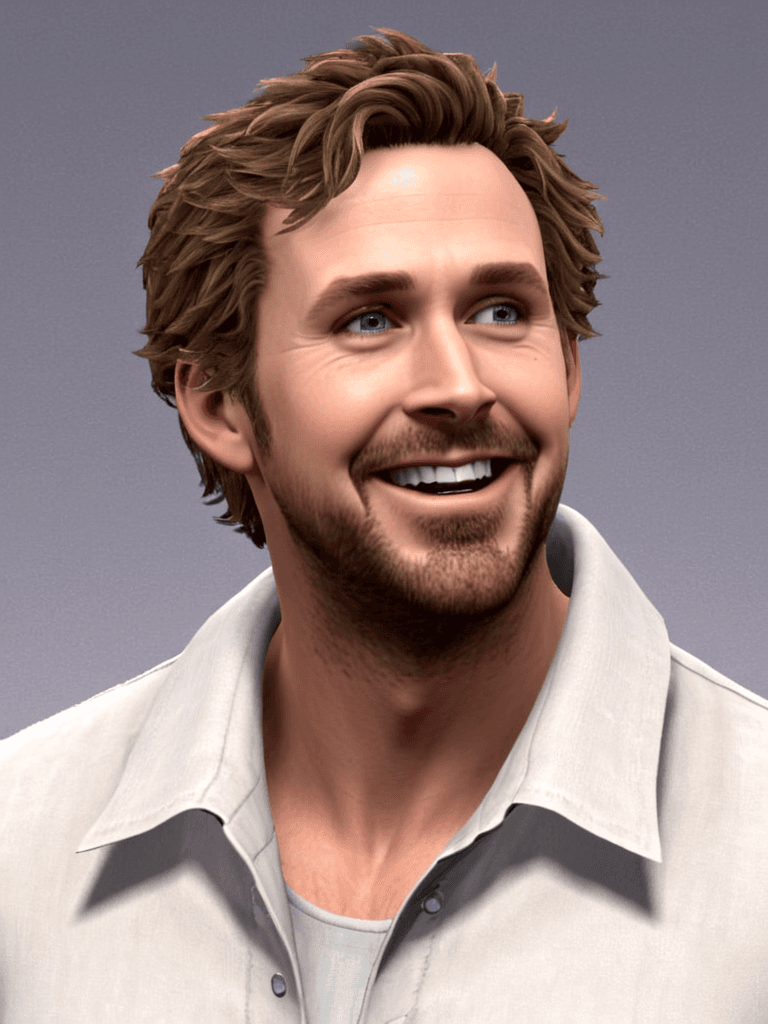
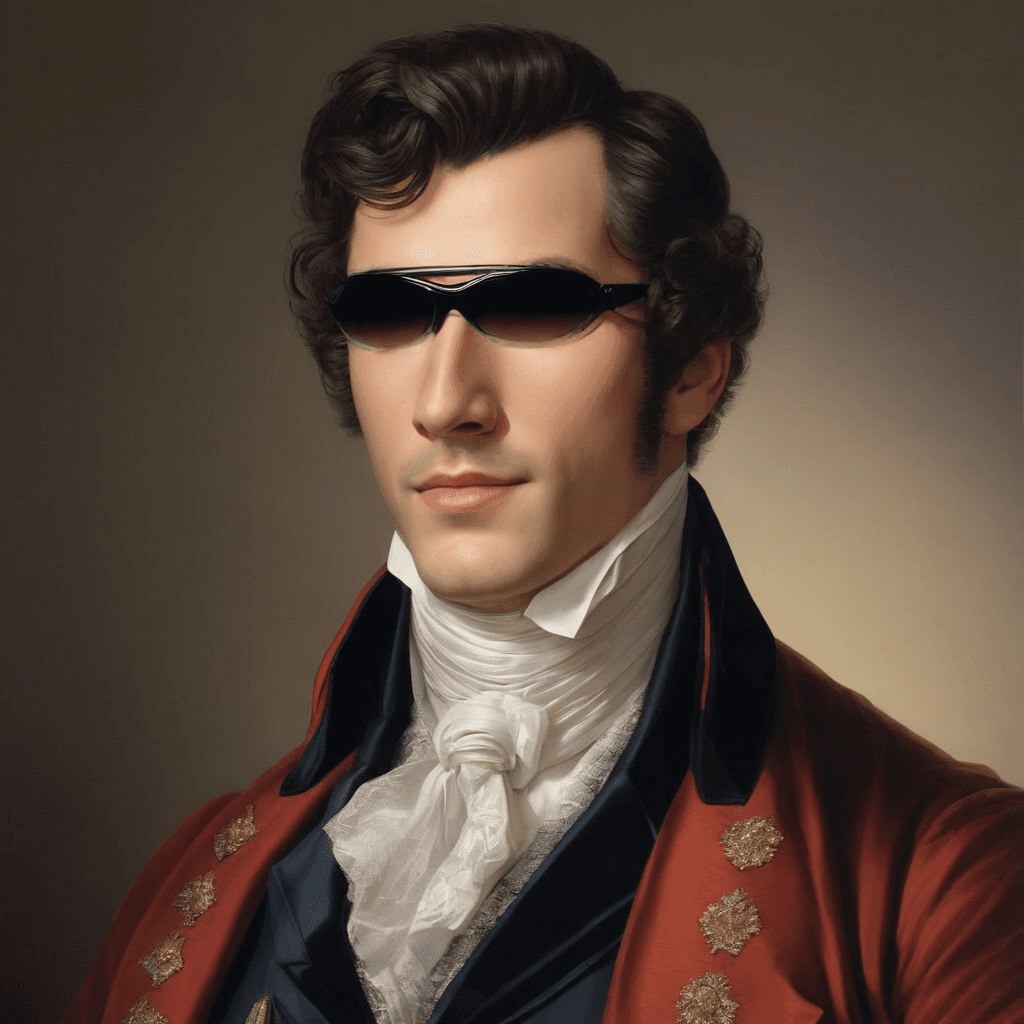
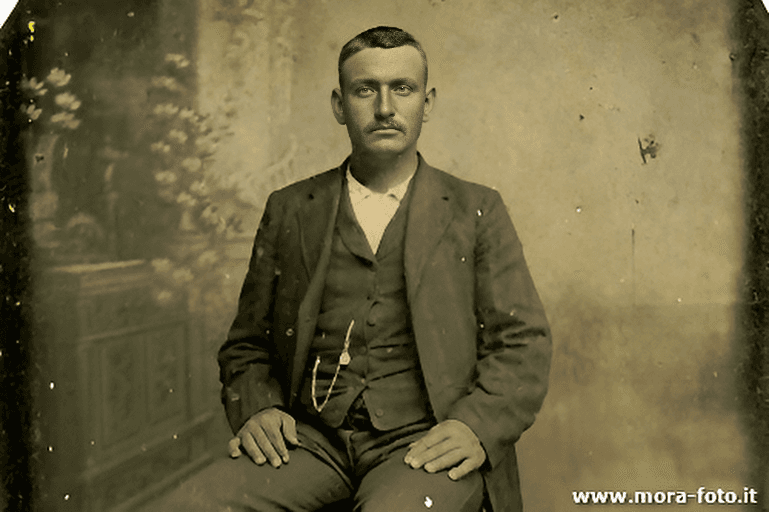
Replace the main character with @Element1. The entire scene should match the warm cinematic tone of @Image1.
For best results, use well-lit, frontal reference images for elements — partial or obscured subjects reduce consistency. Start with 3-5 second Standard mode clips to validate your prompt before committing to longer Pro mode runs. Pro mode delivers noticeably sharper textures and higher motion fidelity and is recommended for final deliverables. Expect generation times of approximately 4-5 minutes per clip.
FAQs
Can I replace multiple characters in one video? Yes. Define each character as a separate element with its own reference images and invoke them as @Element1, @Element2 (up to 10 total) in your prompt.
What is the difference between Standard and Pro mode? Standard is faster and more cost-efficient — ideal for iteration and testing. Pro delivers higher-quality output with better texture detail and motion fidelity, suitable for final production use.
Can I keep the original audio from my source video? Yes. Set keep_audio: true to preserve the source video's audio track — useful for background music, voiceovers, or ambient sound.
What video format and resolution should I use? The model accepts publicly accessible video URLs (mp4 recommended). Input video width must be between 720px and 2160px.
How do I use reference images for style guidance? Upload image URLs to the image_urls parameter and reference them in your prompt as @Image1, @Image2, etc.
What aspect ratios are available? 16:9 for landscape/YouTube, 9:16 for portrait/TikTok and Instagram Reels, and 1:1 for square social formats.
Popular Models