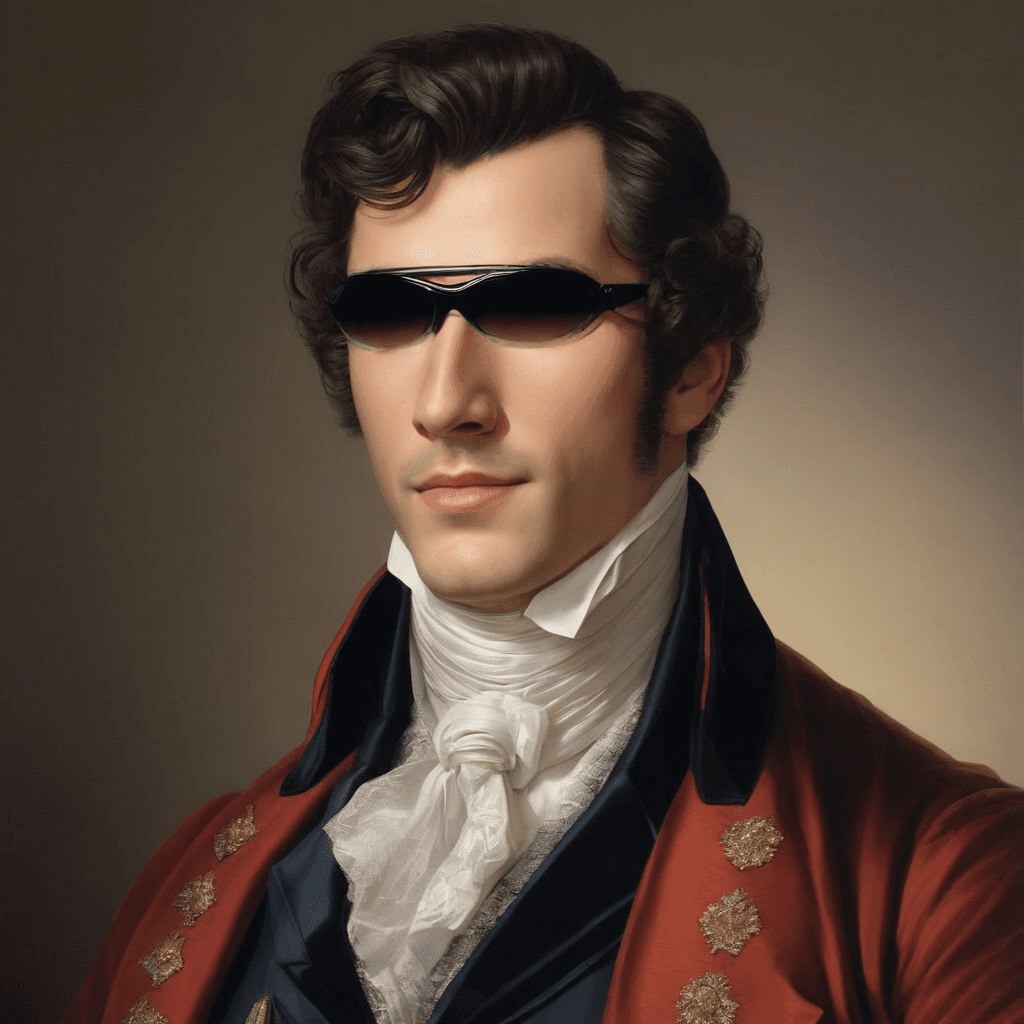
Kling Pro Motion Control: AI Motion Transfer Model
What is Kling Motion Control?
Kling Motion Control is an AI-powered motion transfer model that brings static character images to life by extracting and applying motion patterns from reference videos. Part of the Kling Video 2.6 Pro suite, this model analyzes real movement from 3-30 second video clips and accurately maps that motion onto still images—transforming static characters into realistic animations. Unlike traditional animation tools that require frame-by-frame work, Kling Motion Control automates the complex process of motion transfer while maintaining natural body mechanics, facial expressions, and hand gestures. The model works with both photorealistic humans and stylized characters, making it a versatile solution for creators who need professional-quality character animation without extensive technical expertise.
Key Features
- Precise Motion Extraction: Captures explicit motion paths from reference videos (3-30 seconds) and applies them with frame-accurate consistency
- Full-Body Motion Fidelity: Maintains anatomically correct movement across the entire body, including challenging areas like hands and facial expressions
- Character Versatility: Supports both realistic human subjects and stylized characters (anime, cartoon, 3D renders)
- Complex Action Support: Handles intricate movements like dance choreography, martial arts sequences, and athletic performances
- Orientation Control: Choose whether characters follow video motion dynamics or maintain their original image orientation
- Audio Preservation: Option to retain original video sound for authentic ambiance in final outputs
Best Use Cases
Content Creation & Marketing: Generate branded character animations for social media campaigns, product demonstrations, and advertising without hiring motion capture studios or animators.
Character Animation & Game Development: Rapidly prototype character movements for games, animated series, or virtual productions by applying real motion to concept art or 3D renders.
Storyboarding & Pre-Visualization: Test action sequences and character choreography before committing to full production, saving time and budget in film and video projects.
E-Learning & Training: Create educational content with animated instructors or demonstration characters that follow real-world movement patterns.
Social Media & Viral Content: Transform static fan art, personal photos, or brand mascots into engaging video content with trending dance moves or viral challenges.
Prompt Tips and Output Quality
Writing Effective Prompts: Describe the desired effect or atmosphere rather than the motion itself—the model extracts motion from your reference video. Use prompts like "dramatic time-lapse effect," "epic dance showdown," or "cinematic action sequence" to guide stylistic rendering.
Reference Video Selection: Choose action-filled videos with clear, visible motion for best results. Videos with good lighting, minimal background clutter, and full-body visibility yield more accurate motion transfer.
Image Quality Matters: Use high-resolution character images (preferably 1024px+ on the longest side) with clear features and full-body visibility. Images with proper lighting and distinct subject-background separation produce cleaner animations.
Character Orientation Strategy: Set orientation to "video" when you want your character to match the reference performer's facing direction—ideal for dance or action sequences. Use "image" orientation when your character's original pose or facing direction should be preserved throughout the animation.
Complex Motion Considerations: For intricate movements like martial arts or detailed hand gestures, select reference videos with slower motion or use shorter clips (3-10 seconds) to maintain accuracy across all body parts.
FAQs
Is Kling Motion Control open-source?
No, Kling Motion Control is a proprietary model integrated into the Kling Video 2.6 Pro platform and accessed through Segmind's API infrastructure.
How is it different from other motion transfer models?
Kling Motion Control emphasizes full-body accuracy including fine hand gestures and facial expressions, unlike models that focus primarily on pose estimation. It's specifically designed for commercial workflows with predictable, consistent results across both realistic and stylized characters.
What video length works best?
Reference videos between 3-30 seconds are supported, but 5-15 seconds typically provides the optimal balance between motion complexity and transfer accuracy. Shorter clips work better for complex, detailed movements.
Can I use stylized or non-human characters?
Yes, the model supports stylized characters including anime, cartoon illustrations, 3D renders, and even anthropomorphic characters—as long as the character has recognizable human-like body structure.
What parameters should I tweak for best results?
Focus on three key parameters: use high-quality images for your character, select action-filled reference videos with clear motion, and adjust character_orientation based on whether you want your character to follow the video's facing direction ("video") or maintain its original orientation ("image").
Do I need motion capture equipment or animation software?
No specialized equipment is required. You only need a static character image and a reference video showing the desired motion—the model handles all motion analysis and transfer automatically through API calls.
Popular Models