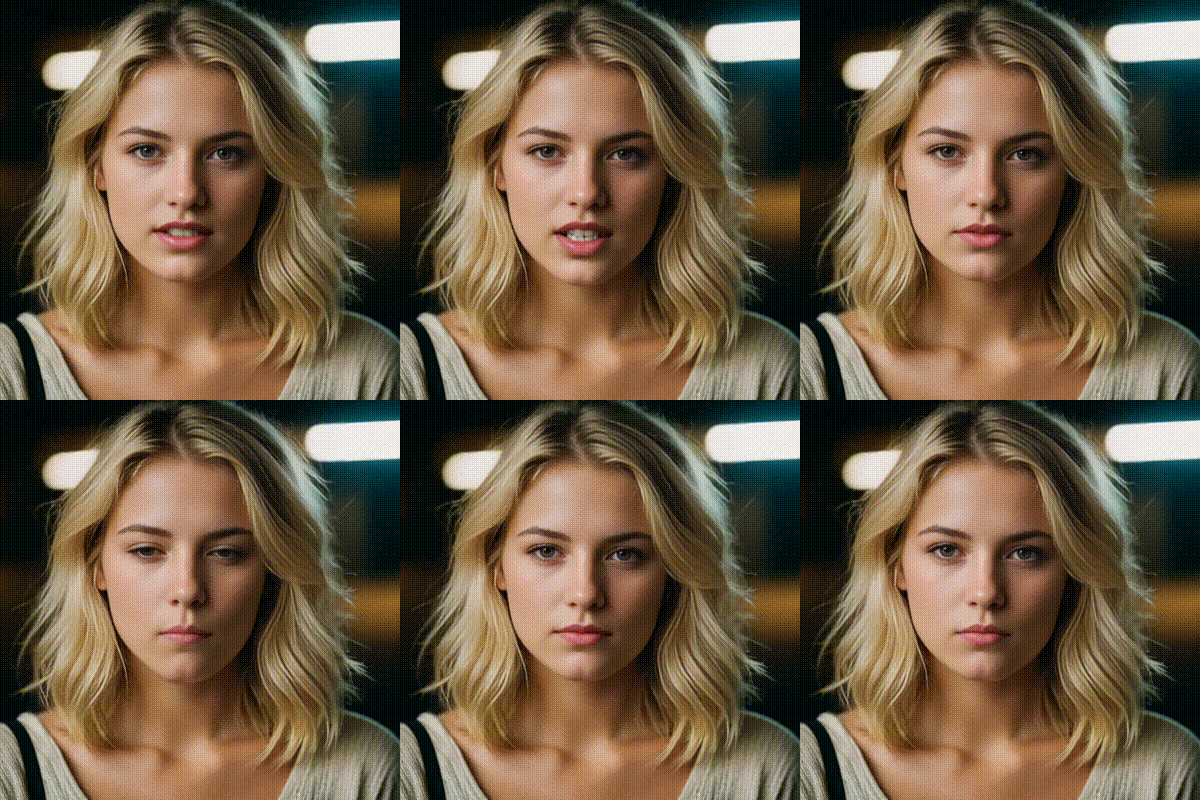
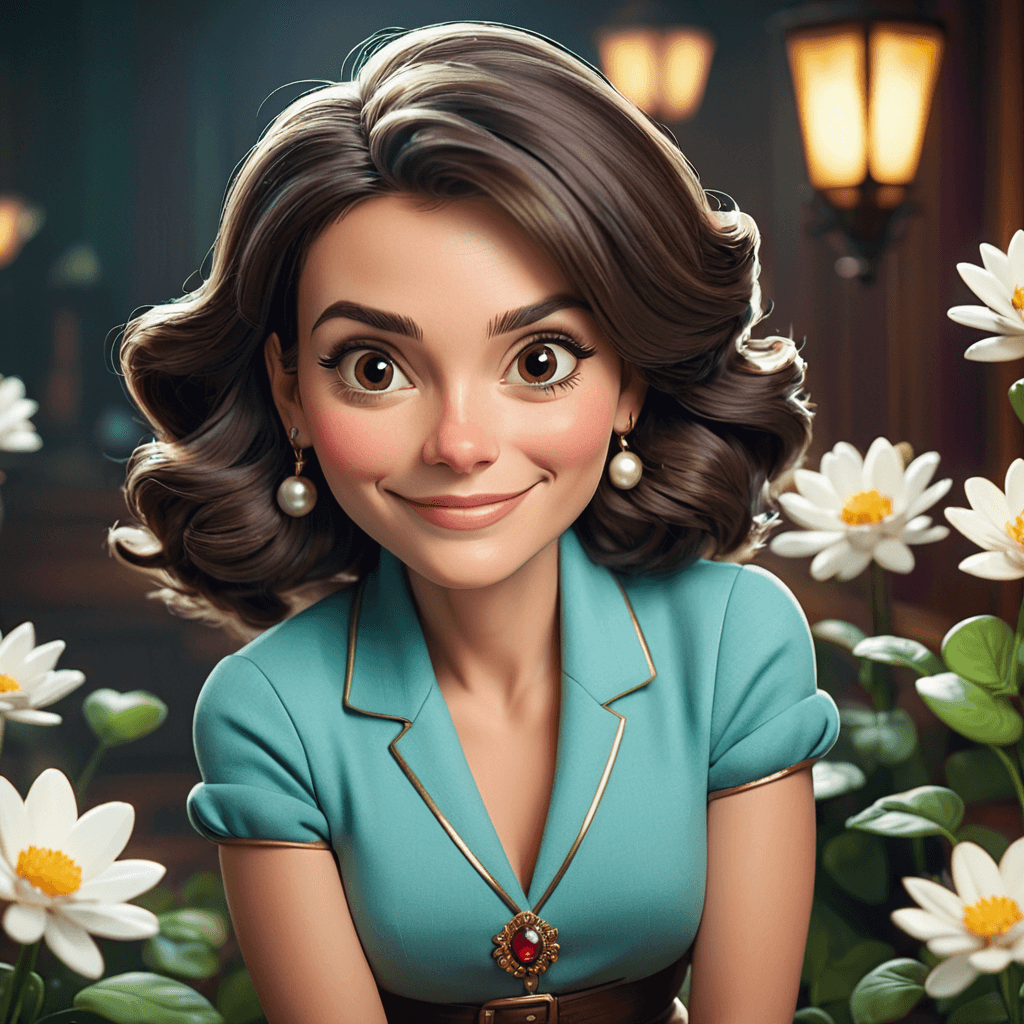
Click or Drag-n-Drop
You can drop your own file here
Kling 2.6 Pro: Image-to-Video Model (with Native Audio)
What is Kling 2.6 Pro?
Kling 2.6 Pro is an advanced image-to-video generative AI model that turns a single still image plus a text prompt into a short, cinematic clip—with integrated, native audio. Provide an image_url as the visual starting frame and describe the scene in prompt; the model generates smooth motion, coherent visuals, and synchronized sound design (voice-like audio cues, ambience, and effects) to match the on-screen action.
It’s designed for teams who need fast, production-ready video generation via REST API, especially when you want the output to feel like a complete “scene” instead of silent B-roll.
Key Features
- Image-to-video generation from one reference image (
image_url) - Native audio generation with
generate_audiofor richer, immersive clips - Cinematic motion + realism: smooth camera movement and consistent scene continuity
- Duration control: generate 5s or 10s videos (
duration) - Prompt steering + cleanup:
promptandnegative_promptfor precision - CFG control:
cfg_scale(0–1) to balance prompt adherence vs. natural motion - Aspect ratios:
16:9,9:16,1:1(aspect_ratio) for web, social, and product - Pro mode: set
mode="pro"for polished outputs
Best Use Cases
- Product explainers & promos: animate packshots into lifestyle motion with ambience
- Cinematic social content: vertical 9:16 reels with camera moves and sound
- Storytelling shorts: consistent scene building from a keyframe image
- Brand mood films: landscapes, interiors, and stylized establishing shots
- App/landing page hero media: loopable 5–10s visuals with audio atmosphere
Prompt Tips and Output Quality
- Start with a clear scene + action + camera: “slow dolly-in”, “handheld”, “crane up”.
- Add lighting and mood: “golden hour”, “neon reflections”, “soft fog”.
- Use
negative_promptto prevent artifacts: “no distortion, no jitter, no clutter”. - Tune
cfg_scale:- Higher (~0.7–1.0): stronger style/detail adherence
- Lower (~0.3–0.6): more natural motion, fewer “over-directed” frames
- Pick
aspect_ratioearly (e.g., 16:9 cinematic, 9:16 social) to avoid reframing. - Enable
generate_audio=truewhen you want the scene to feel complete (ambience + SFX).
FAQs
Is Kling 2.6 Pro text-to-video?
It’s primarily image-to-video: you can include image_url as the visual anchor plus a detailed prompt.
Does it generate audio automatically?
Yes—set generate_audio to true to include native audio alongside the video.
What video lengths are supported?
duration supports "5" or "10" seconds.
How is it different from other image-to-video models?
Its standout is native audio generation plus coherent cinematic motion from a single image.
What parameters should I tweak first for best results?
Start with prompt + negative_prompt, then adjust cfg_scale, duration, and aspect_ratio.
What mode should I use?
Use mode="pro" (the available option) for high-quality, polished outputs.
Popular Models