InfiniteTalk: Audio-Driven Full-Body Video Generation Model
What is InfiniteTalk?
InfiniteTalk is an advanced audio-driven video generation model by MeiGen-AI that goes far beyond traditional lip sync. While conventional dubbing tools only edit mouth movements, InfiniteTalk synthesizes holistic full-body animations — coordinating facial expressions, head movements, and body posture — all synchronized precisely with the input audio.
Built on a sparse-frame video dubbing architecture, InfiniteTalk takes a source image or video alongside an audio file and produces a new video where the subject moves and emotes naturally in sync with the audio. Crucially, it preserves the original identity, background, and camera movements from the source, making outputs appear authentic and production-ready.
The model's streaming generator design enables infinite-length video generation without temporal degradation, handling long sequences as smoothly as short clips. Released by MeiGen-AI in August 2025 with an accompanying arXiv paper (2508.14033), it outperforms prior methods MuseTalk and LatentSync on HDTF, CelebV-HQ, and EMTD benchmarks.
Key Features
- Full-body motion synthesis — syncs lip, head, body posture, and expressions with audio (not just mouth)
- Sparse-frame video dubbing — preserves original identity, background, and camera trajectory
- Streaming architecture — supports infinite-length sequences via temporal context frame transitions
- Dual input modes — image-to-video (animate a still photo) and video-to-video (redub existing footage)
- Resolution control — 480p for drafts, 576p for balanced quality, 720p for final renders
- Adjustable FPS — 16 to 30 FPS for trade-off between render speed and animation smoothness
- Reproducible outputs — seed parameter locks results for consistent production pipelines
Best Use Cases
InfiniteTalk is ideal anywhere full-body expressiveness matters alongside audio:
- Content localization & video dubbing — Re-voice video content into other languages while maintaining natural body language and gestures
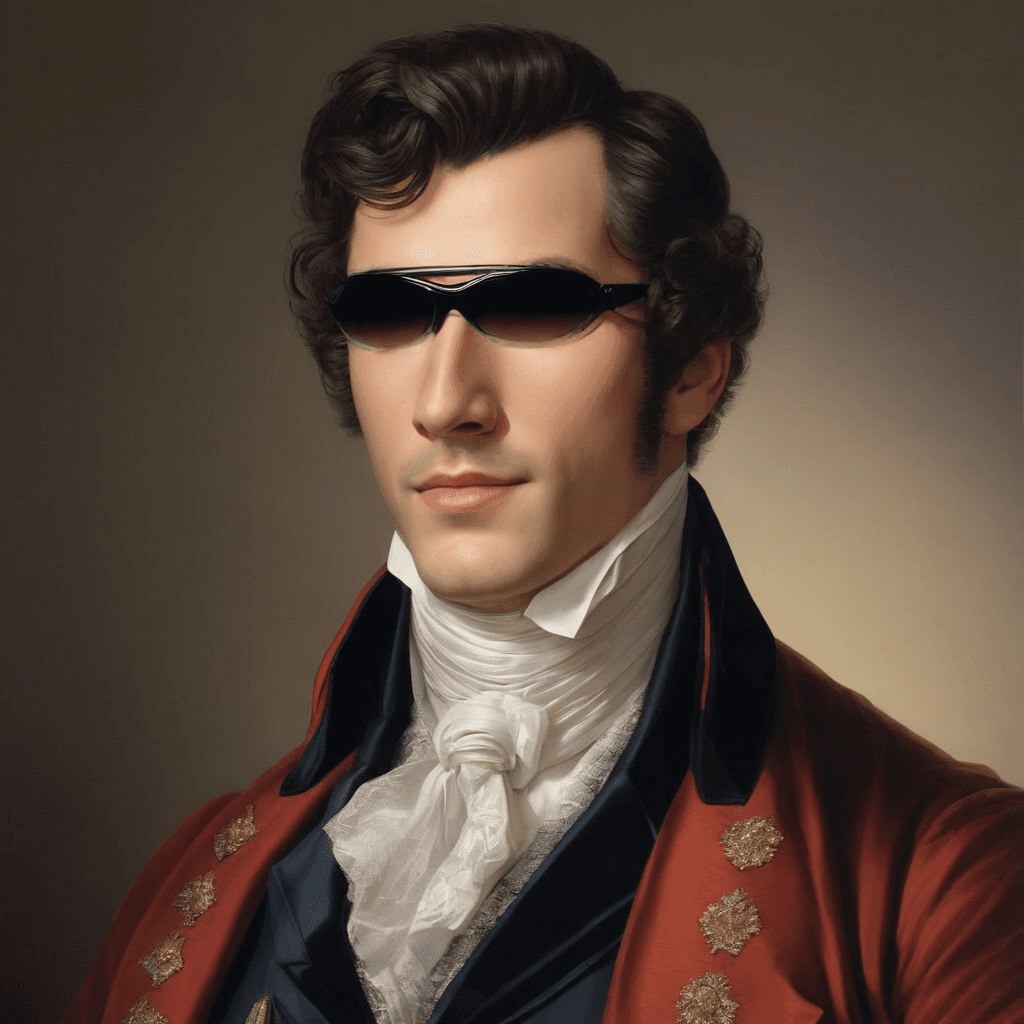
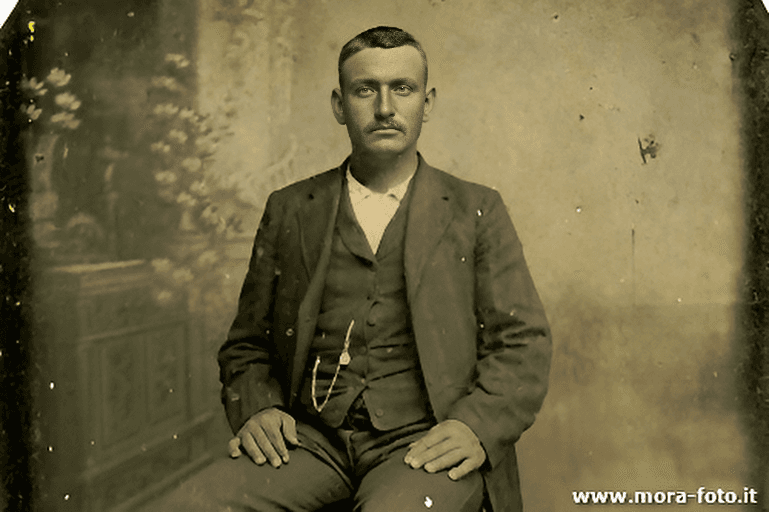
- Virtual presenter creation — Animate a still photo of a spokesperson into a speaking, gesturing video
- Educational content adaptation — Adapt existing training or instructional videos to new audio tracks
- Corporate training videos — Produce personalized training content at scale from a base video
- Social media & influencer content — Generate dynamic talking clips from a single image
- Live streaming avatars — Create animated avatar content driven by voice
Prompt Tips and Output Quality
The prompt field guides the model's animation style and emotional tone — even though the audio drives the sync, a descriptive prompt significantly improves output expressiveness.
- Be specific about emotion and action: Instead of "a person talking," try "A presenter speaks enthusiastically, gesturing with both hands to explain a concept."
- Mention camera orientation or body language: "The speaker turns slightly toward the camera with a warm smile" helps anchor the motion direction.
- Short prompts for subtle scenes: For calm voiceovers or slow-paced audio, keep prompts understated — "A person speaks quietly and thoughtfully."
- Start at 480p: Always test at 480p first before committing to a 720p render. It's 2–3x faster and reveals most issues.
- Use clean audio: Noise-free recordings produce significantly better lip and body sync. Normalize audio levels before submission.
FAQs
How is InfiniteTalk different from MuseTalk or Wav2Lip? Those models only edit the mouth region. InfiniteTalk generates coordinated full-body motion — head turns, posture shifts, and facial expressions — all synchronized with audio, producing far more natural and immersive results.
What input formats does InfiniteTalk accept? Image inputs (PNG, JPG) or short video clips for the visual input, and standard audio files (MP3, WAV) for the audio track. All inputs are passed as URLs.
Can InfiniteTalk handle long audio clips? Yes. Its streaming architecture with temporal context frames enables infinite-length generation — there is no hard cap on audio/video duration.
How do I get consistent, reproducible results?
Set a fixed seed value. The same seed + same inputs will always produce the same output, which is useful for iterating on prompt or resolution changes.
What resolution should I use? Use 480p during development and testing for fast iteration. Switch to 576p or 720p for final production outputs where visual quality matters.
Does InfiniteTalk work from a single image? Yes — image-to-video mode animates a static photo into a full talking video driven entirely by the audio and prompt. This is ideal for virtual presenters and spokespersons.
Popular Models