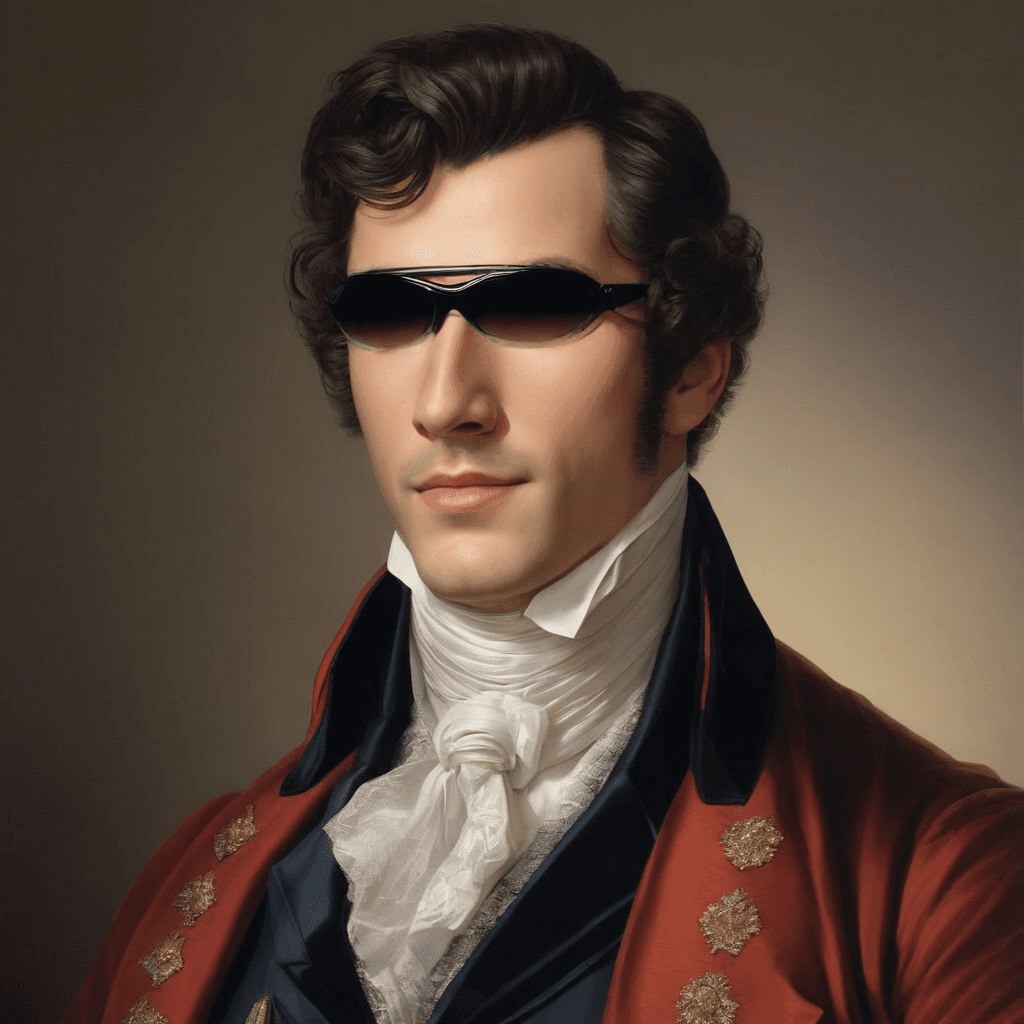
You can drop your own file here
You can drop your own file here
HeyGen Avatar IV + Voice Director: Photo-to-Video Avatar Model
What is HeyGen Avatar IV + Voice Director?
HeyGen Avatar IV is a next‑generation AI avatar engine that turns a single face photo into a talking-head video with natural lip sync, expressive facial dynamics, and believable hand gestures. Combined with Voice Director, you can guide the avatar’s vocal delivery using plain language—adjusting tone, pacing, emphasis, and emotion to match your message.
Under the hood, the system is designed for AI video generation from an image + script or audio, producing creator-ready outputs for product explainers, onboarding clips, ads, and short-form social content. If you’re searching for “photo to talking avatar,” “AI avatar video generator,” or “lip sync from image,” this model is optimized for those workflows.
Key Features
- Single-image avatar generation: Provide an
image_url(clear face photo) to animate. - Script-to-speech or audio-driven: Use
scriptwith a selectedvoice_id, or supplyaudio_url. - Expressive performance control:
custom_motion_promptsteers gestures and overall motion style. - Motion enhancement toggle:
enhance_custom_motion_promptcan amplify dynamism when needed. - Layout controls:
video_orientation(portrait/landscape) andfit(cover/contain) for framing. - Voice selection: Choose from preset voices via
voice_id(e.g., broadcaster, friendly, soothing styles).
Best Use Cases
- Product marketing & ads: Consistent spokesperson videos for paid social and landing pages.
- E-learning & tutorials: Clear narration with controlled pacing and emphasis.
- Customer support & onboarding: Personalized welcome videos and feature walk-throughs.
- Creator content pipelines: Rapid A/B testing of hooks, scripts, and delivery for Reels/TikTok/Shorts.
- Corporate comms: Internal announcements with a professional, camera-ready avatar.
Prompt Tips and Output Quality
- Use a high-quality, front-facing photo; avoid heavy occlusions (hands covering mouth, extreme angles).
- Write scripts with short sentences and explicit cues: “Pause. Sound reassuring. Emphasize ‘security’.”
- For gestures, keep
custom_motion_promptspecific: “calm, minimal hand movements; occasional nods.” - Choose framing intentionally:
portraitfor shorts;landscapefor YouTube/tutorial layouts. - If motion looks too subtle, enable
enhance_custom_motion_prompt; if it looks too busy, disable it and simplify the motion prompt.
FAQs
Is HeyGen Avatar IV open-source?
No. It’s a proprietary avatar and voice system exposed via API parameters.
What inputs do I need to generate a video?
At minimum: image_url and video_title. Add script (plus voice_id) or provide audio_url.
Should I use script or audio_url?
Use script for fast iteration and consistent voice selection; use audio_url to preserve a specific recorded performance.
How do I control gestures and movement?
Set custom_motion_prompt (e.g., “energetic gestures”) and optionally enable enhance_custom_motion_prompt.
What parameters most affect the final look?
video_orientation, fit, and custom_motion_prompt have the biggest impact on composition and perceived realism.
Popular Models