HappyHorse 1.1 — Text & Image to Video with Native Audio
What is HappyHorse 1.1?
HappyHorse 1.1 is Alibaba's unified video-and-audio generation model, built by the Taotian Future Life Lab as the successor to HappyHorse 1.0 — the model that topped the Artificial Analysis Video Arena. Unlike pipelines that bolt dubbing on in post, HappyHorse generates video and synchronized native audio together in a single pass, so dialogue, ambience, and on-screen action line up from the first frame. It also delivers multilingual lip-sync, matching mouth movements to speech across languages like English, Mandarin, Japanese, Korean, German, and French.
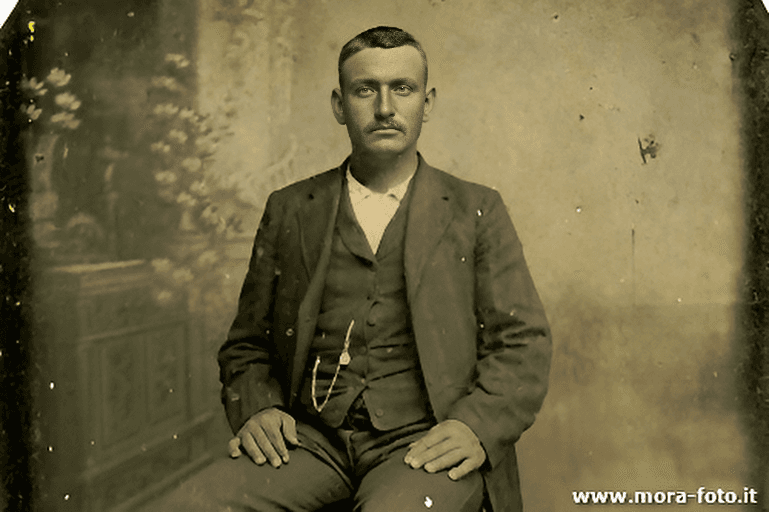
On Segmind, happyhorse-1.1 auto-detects three modes from your payload. Send a prompt alone for text-to-video, add an image first frame for image-to-video, or pass reference_images (up to nine) for reference-to-video. Outputs render at 720P or 1080P, in durations from 3 to 15 seconds, across 16:9, 9:16, 1:1, 4:3, and 3:4 aspect ratios.
Key Features
- Native synchronized audio — video and audio are jointly generated, no separate dubbing step.
- Multilingual lip-sync — characters speak with accurate mouth movements across many languages.
- Three auto-detected modes — text-to-video, image-to-video, and reference-to-video from one endpoint.
- Up to 9 reference images — anchor characters, scenes, style, and products for multi-scene consistency.
- 720P / 1080P output, 3–15s duration, and flexible aspect ratios.
- prompt_extend LLM rewriting, negative_prompt, seed, and optional watermark controls.
Best Use Cases
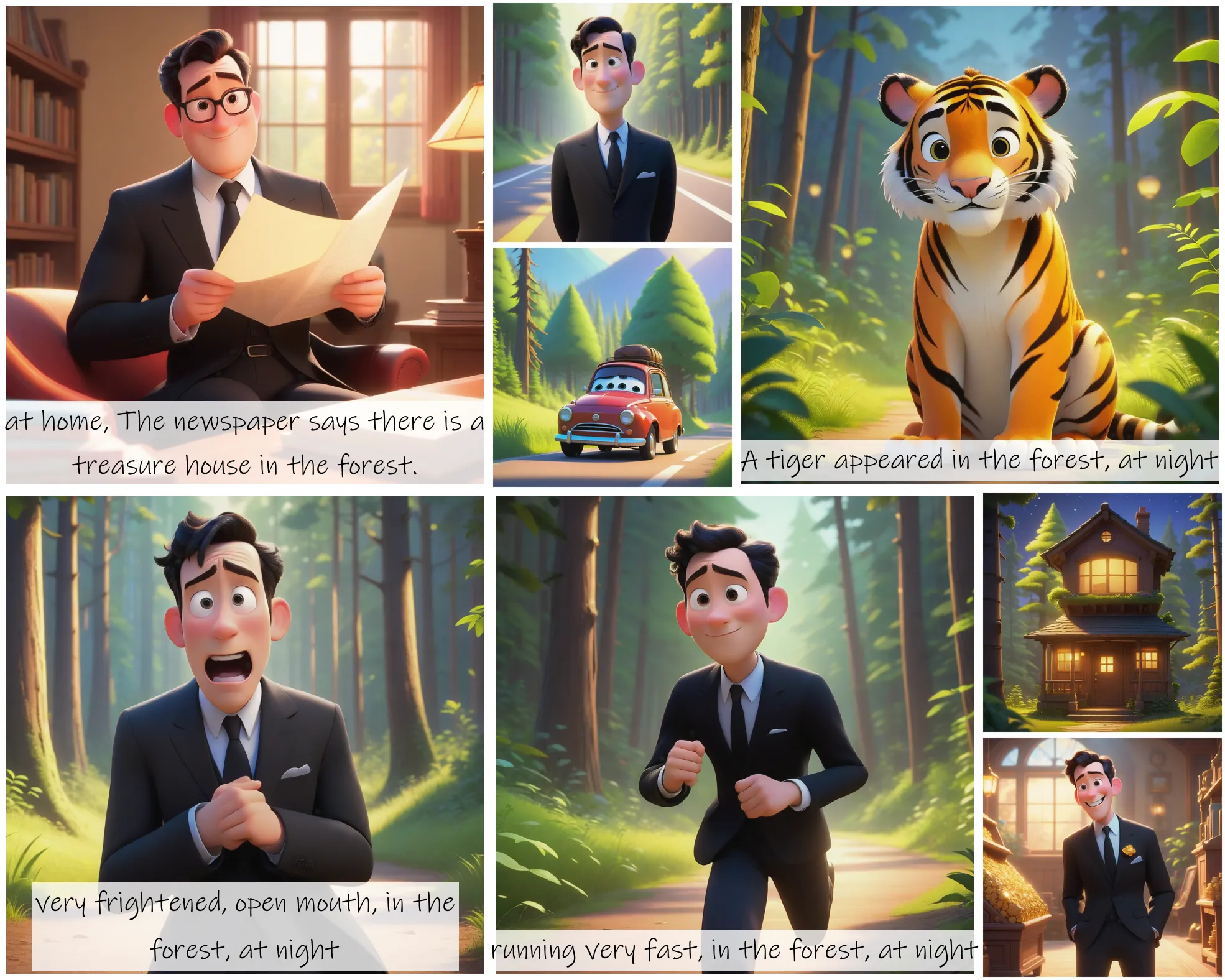
HappyHorse 1.1 shines for short-form ads and social clips that need character consistency across scenes, global marketing where a single prompt yields multilingual, lip-synced footage, and product or brand series anchored by reference images. Its 1.1 upgrades — improved semantic understanding, cinematic shot control, dynamic motion rendering, stronger subject and visual consistency, richer detail, and more natural character actions and physics — make it well suited to narrative shorts, explainers, music-driven scenes, and storyboard-to-video workflows.
Prompt Tips and Output Quality
Write cinematic prompts: name the subject, the action, the camera move, the lighting, and any audio or dialogue cues. Keep prompt_extend on for short prompts to let the model add filmic detail, and turn it off when you need precise control. Use negative_prompt to suppress blur, artifacts, and text. For image-to-video, supply a clean first frame; for consistent characters across shots, pass reference images. Fix a seed to reproduce a result, and prefer 1080P for final delivery.
FAQs
Can I upload my own audio for lip-sync? No. HappyHorse 1.1 generates its own native audio; it does not accept an external MP3 or WAV to drive lip-sync.
How does it pick text-, image-, or reference-to-video? The mode is auto-detected: prompt only is text-to-video, an image makes it image-to-video, and reference_images makes it reference-to-video.
How many reference images can I use? Up to nine, to anchor characters, environments, style, and products across scenes.
What resolutions and durations are supported? 720P or 1080P output, with durations from 3 to 15 seconds.
Which aspect ratios are available? 16:9, 9:16, 1:1, 4:3, and 3:4 (aspect ratio applies to text-to-video; it is ignored when an image is supplied).
How is HappyHorse 1.1 different from 1.0? It adds production native audio, multilingual lip-sync, up to nine reference images, 1080P, and improved motion, consistency, and detail.
Popular Models