Click or Drag-n-Drop
PNG, JPG or GIF, Up-to 2048 x 2048 px
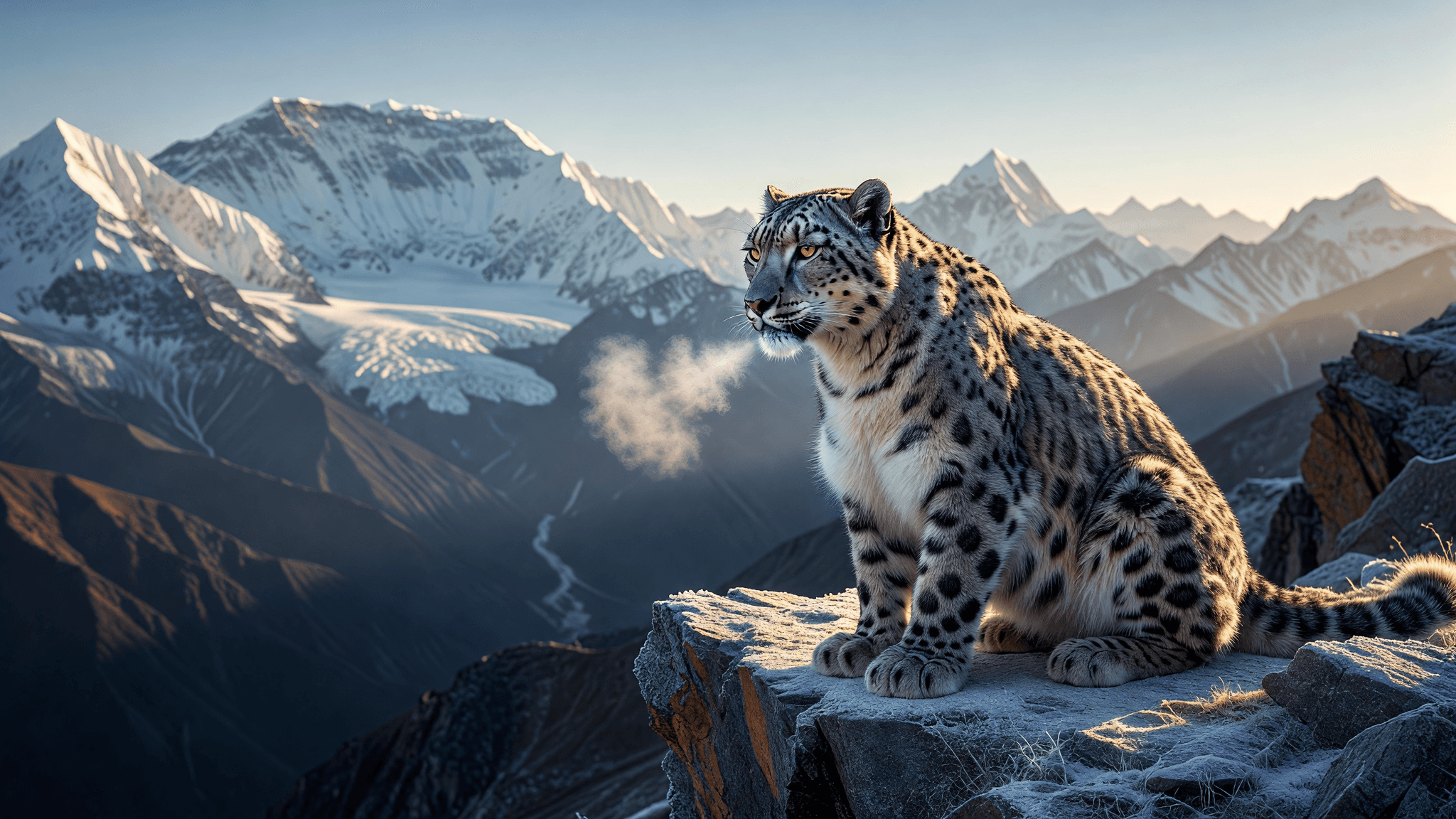
Grok Imagine Image — Text-to-Image and Image Editing Model
What is Grok Imagine Image?
Grok Imagine Image is xAI's text-to-image and image-editing model, part of the Grok Imagine family powered by the Aurora engine. Describe a scene in plain language to generate a new image, or supply a source image and describe the change to run image-to-image edits — both workflows live in one model. A standard mode delivers fast, economical generations for rapid iteration, while a quality mode targets maximum fidelity, sharper detail, more natural lighting, and stronger prompt adherence. Outputs scale up to 2K resolution across a wide set of aspect ratios, making the model a practical default for everything from quick social concepts to polished hero visuals.
Key Features
- Text-to-image generation and natural-language image editing in a single model
standardandqualitymodes to trade speed for fidelity- Output up to 2K resolution with aspect ratios from 1:1 and 16:9 to 9:16 and 2:1
- Reliable in-image text rendering, including multilingual scripts
- Batch up to 4 images per request to compare prompt variations
- Choice of jpeg, png, or webp output
Best Use Cases
Grok Imagine Image is built for fast ideation and creative experimentation. It shines for social media graphics, marketing concepts, product mockups, and posters where readable brand names, slogans, or signage need to sit inside the frame. Photographers and designers use the editing mode to restyle a photo, swap backgrounds, or add objects with a single instruction. Concept artists rely on the model to explore characters, environments, and moodboards quickly, then switch to quality mode for final, presentation-ready renders.
Prompt Tips and Output Quality
The model rewards natural-language scene descriptions over keyword stacks. Lead with the subject, keep prompts roughly 30 to 80 words, and describe light behavior, camera language, and film stock instead of vague adjectives like "8K" or "stunning." It does not use negative prompts, so phrase constraints positively (for example, "sharp focus, clean composition"). To place text, spell the exact wording in quotes; quality mode renders typography most reliably. Generate a small batch first, then iterate one element at a time.
FAQs
Does Grok Imagine Image support image editing? Yes. Provide a source image as a URL or base64 and describe the change; the model edits instead of generating from scratch.
What is the difference between standard and quality mode?
standard is fast and economical for iteration. quality uses the premium model for higher fidelity, sharper detail, and stronger text rendering.
Can it render text inside images?
Yes. Put the exact words in quotes in the prompt. Text rendering is strongest in quality mode and supports multiple languages.
What resolutions and aspect ratios are supported? Resolution is 1k or 2k, with aspect ratios spanning 1:1, 16:9, 9:16, 4:3, 3:2, 2:1, and more.
How many images can I generate at once?
Set n from 1 to 4 to produce multiple variations in a single request.
Is Grok Imagine Image good for brand work? It is strong for fast concepts, mockups, and social assets; review brand-sensitive output, as commercial safety is lower than some rivals.
Popular Models