FLUX.2 Max: Text-to-Image Model
Edited by Segmind Team on December 22, 2025.
What is FLUX.2 Max?
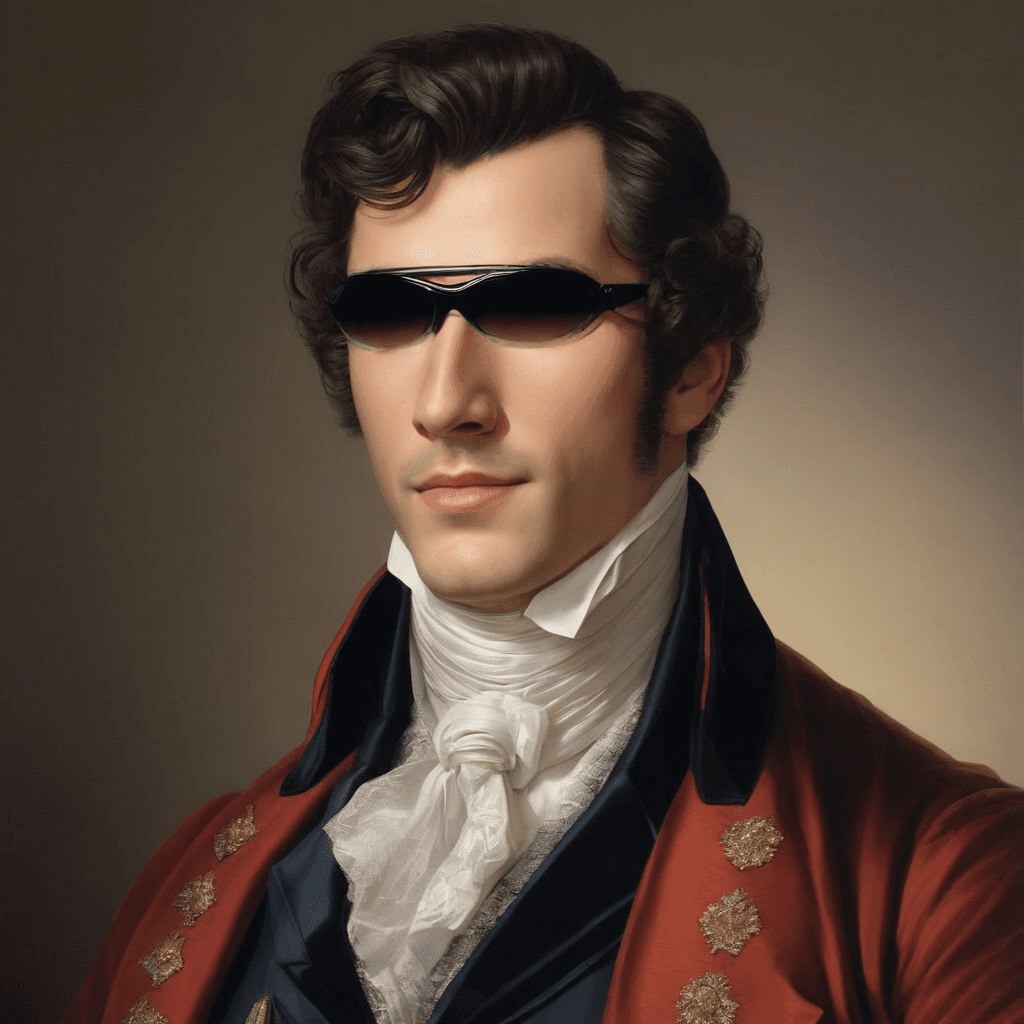
FLUX.2 Max by Black Forest Labs is the flagship model of the FLUX.2 series that works exceptionally well as an advanced image generation tool. It stands out for its ability to create lifelike images with stable editing performance and precise adherence to prompts, as it understands context while utilizing real-time web data, ensuring accurate and relevant outcomes. It is an ideal option for generating product imagery and detailed retexturing to maintain character consistency across various projects, making it a dependable, high-end solution for commercial and creative needs, a perfect asset for professionals who can utilize FLUX.2 Max for refined, production-quality visuals.
Key Features of FLUX.2 Max
- Professional Photorealism: It can generate commercial-quality images with accurate lighting, textures, and proportions.
- Character Consistency: It can effectively maintain subject identity across multiple generations using reference images.
- Real-Time Web Integration: It produces grounded, contextually relevant content by utilizing current web data.
- Precision Retexturing: It excels at material and surface editing with faithful style representation.
- Strong Prompt Adherence: It is capable of interpreting complex, multi-element prompts with high accuracy.
- Flexible Output Control: It supports custom dimensions (width/ height), deterministic seed control, and adjustable safety tolerance.
- Format Options: It generates outputs in JPEG (optimized compression) or PNG (transparency support).
Best Use Cases
- E-commerce & Product Photography: It can be utilized to create professional product shots with consistent lighting and backgrounds, even without expensive photoshoots.
- Brand & Marketing: Professionals can generate on-brand visual assets with precise style control for campaigns, social media, and advertising.
- Content Creation: It is perfect for producing character-consistent artwork for storytelling, game design, and sequential visual narratives.
- Architectural Visualization: It can seamlessly retexture surfaces, materials, and environments with photorealistic accuracy for design presentations.
- Editorial & Publishing: It becomes a useful tool to generate contextually relevant, publication-ready images that align with current trends using real-time web data.
Prompt Tips and Output Quality
-
Clarity Over Length: Use vivid yet precise language for complex scenes - "sunlight filtering through dense oak canopy casting dappled shadows." Also, it is effective to keep prompts concise for simpler subjects.
-
Reference Images: Leverage
image_urlsparameter for character consistency or style matching. Furthermore, high-quality, clear reference images produce significantly better results. -
Dimension Strategy: Standard 1024x1024 balances quality and speed; increase the resolution for detailed commercial work, or decrease it for rapid iteration.
-
Seed Control: Set specific seed values (e.g., 123) for reproducible results during editing workflows; omit the seed value or randomize for creative exploration.
-
Safety Tolerance: Default (3) works for most commercial content; adjust to a higher value for strict brand guidelines, or lower for artistic flexibility.
-
Format Selection: Choose PNG when transparency or lossless quality (preserving every detail) is required; opt for JPEG to reduce file size for web-optimized delivery.
FAQs
What makes FLUX.2 Max different from other FLUX.2 models?
- FLUX.2 Max delivers premium photorealism and editing consistency.
- FLUX.2 Pro offers cost-effective editing.
- FLUX.2 Flex specializes in typography and intricate details.
You may choose any of these models based on the project's quality requirements and scope.
Is FLUX.2 Max open-source?
FLUX.2 Max is Black Forest Labs's proprietary commercial model, accessible through API integration. It is not open-source, hence ensuring consistency, support, and enterprise-grade reliability.
How do I achieve character consistency across multiple images?
Use the image_urls parameter to provide high-quality reference images of your subject. You can also combine with specific seed values to maintain identity across generations while varying poses, settings, or lighting.
What's the optimal resolution for product photography?
1024x1024 provides excellent baseline quality. If you need to design print-ready assets or hero images, scale up to 1536x1536 or higher. You can balance dimensions with your delivery requirements; web assets rarely need maximum resolution.
Can FLUX.2 Max generate images with transparency?
Yes, select PNG as output_format to preserve alpha channels. This is essential for product cutouts, overlay graphics, and compositing workflows.
How does real-time web data improve generation quality?
FLUX.2 Max references current web information to produce contextually accurate, trend-aware visuals. It's a useful feature for editorial content, seasonal campaigns, or culturally relevant imagery that needs a contemporary feel.
Popular Models