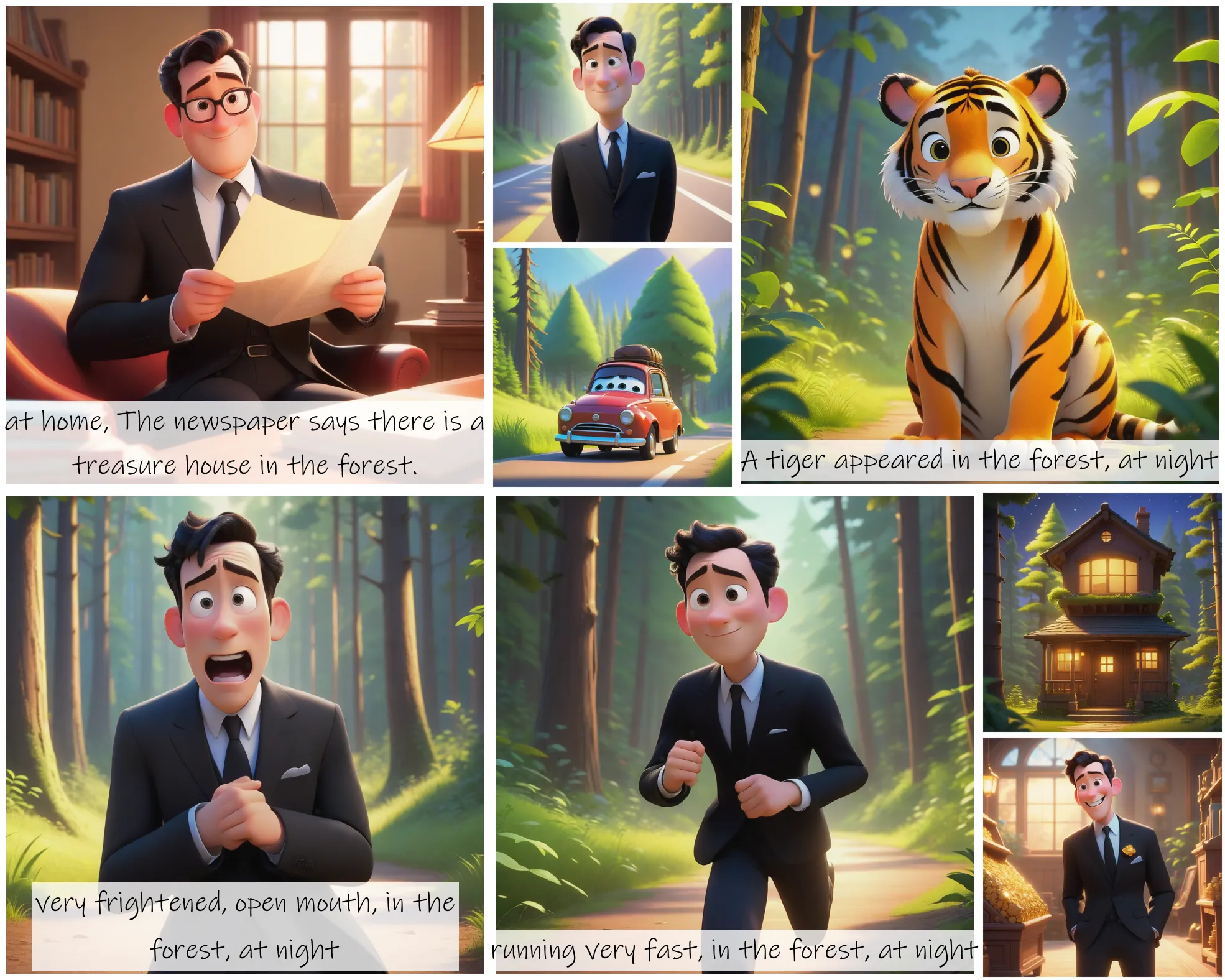
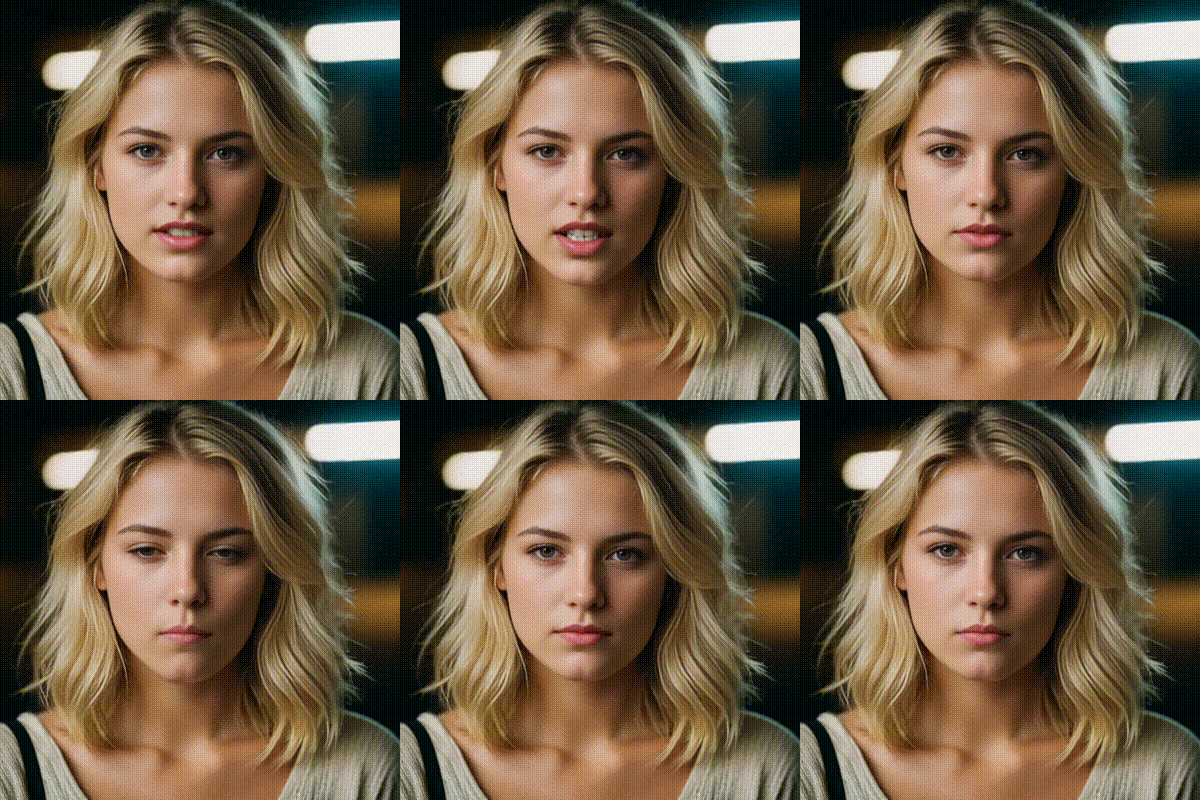
Enhances prompt detail for higher clarity. Use true for sharper images in artistic projects.
Click or Drag-n-Drop
You can drop your own file here
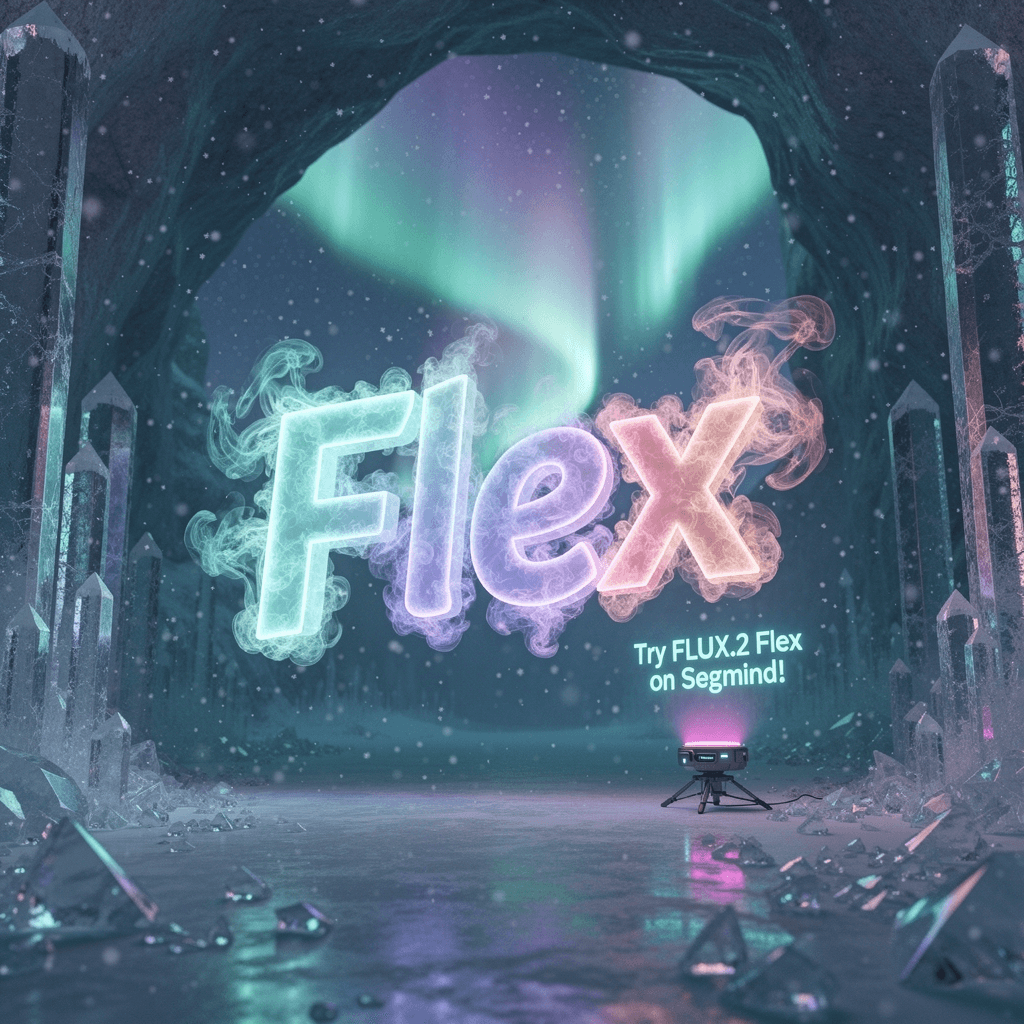
FLUX.2 Flex: Advanced Text-to-Image and Image Editing Model
Edited by Segmind Team on November 27, 2025.
What is FLUX.2 Flex?
FLUX.2 Flex by Black Forest Labs is a next-gen text-to-image model built for precise, consistent photorealistic creation and editing. It focuses on multi-reference image generation, ensuring the preservation of character identity, object details, and uniform style across extensive visual sets using reference inputs, placing it eons ahead of typical text-to-image systems. Furthermore, FLUX.2 Flex delivers outputs of up to 4MP resolution, making it an asset for high-stakes projects that need brand coherence or multi-asset workflows. It is a perfect option that can generate a multitude of professional-level visual assets, including marketing visuals, UI mockups, and product designs, while also adhering to advanced spatial reasoning and physics-aware generation.
Key Features FLUX.2 Flex
- Multi-Reference Control: It can work with up to 10 reference images simultaneously for consistent characters, styles, and compositions across generations
- 4MP Photorealistic Output: It generates high-resolution images with precise detail and realistic textures.
- Exact Color Matching: It can maintain brand colors and palettes with pixel-perfect accuracy.
- Advanced Typography: It supports production-ready text rendering for UI mockups, posters, and designs.
- Spatial Intelligence: It generates visuals that are physics-aware, have accurate object positioning, and realistic lighting.
- Flexible Resolution: It offers flexibility to customize dimensions from 64px minimum to 4MP output (default 1024×1024)
- Prompt Upsampling: It can automatically enhance prompt detail for improved image clarity.
Best Use Cases
-
Marketing & Branding: It is a go-to model to create consistent campaign visuals with precise color matching and character continuity across multiple assets.
-
Product Visualization: It can generate photorealistic product shots with controlled lighting, positioning, and environmental context.
-
UI/UX Design: It offers rapid prototype interfaces with production-ready typography and realistic mockup rendering.
-
E-commerce: It is useful in producing high-quality product images with consistent styling and accurate color representation.
Entertainment & Creative Production: It can maintain character consistency across storyboards, concept art, and promotional materials.
Prompt Tips and Output Quality
Write Effective Prompts: Be specific about composition, lighting, and style, for example, instead of "a car," write "red sports car in urban parking garage, dramatic side lighting, photorealistic rendering", for a precise output.
Use Multi-Reference Images: Provide reference URLs via image_urls parameter to maintain style consistency. Also, the model can intelligently blend references for character features, color palettes, and compositional elements for professional-level visual outputs.
Optimizing Parameters:
- Steps (1-50): Use '30' for quick iterations, '50' for maximum detail and texture refinement
- Guidance (1.5-10): Set to '5-7' for balanced prompt adherence; lower values (3-4) allow more creative interpretation
- Prompt Upsampling: 'Enable' for sharper, more detailed results, which is specifically effective for complex scenes
- Seed: Lock a seed value for reproducible variations during iterative refinement
Resolution Strategy: Start with '1024×1024' for testing, then scale to higher resolutions (up to 4MP) for final renders; maintain aspect ratios that match your use case.
FAQs
How does FLUX.2 Flex differs from other text-to-image models?
FLUX.2 Flex seamlessly combines multi-reference image control (up to 10 simultaneous references) with 4MP output resolution and advanced spatial reasoning, making it ideal for professional workflows that need image generations with consistency and precision.
Can I use FLUX.2 Flex for commercial projects?
Yes, FLUX.2 Flex is designed for commercial use, making it perfect for marketing, product visualization, and creative production.
What's the best way to maintain character consistency?
Use multiple reference images in the image_urls parameter that depict the character from different angles. Additionally, combine this with detailed prompts describing pose, lighting, and scene context.
How does safety_tolerance work?
This parameter (0-6) strictly controls content moderation; use '2-3' for balanced filtering in professional contexts, or adjust based on your content requirements.
What output format should I choose?
Use 'PNG' for images that need transparency or maximum quality preservation; go with 'JPEG' for smaller file sizes when slight compression is acceptable.
How many steps do I really need?
For most professional work, 40-50 steps deliver optimal quality. If you need rapid prototyping, use 30 steps or to generate multiple variations quickly.
Popular Models